

Esta página aún no está traducida al español, así que estás leyendo la versión en inglés.
Freeze and resume
Pause a membership from the portal: the pass stops, the seat stays held, and the frozen days are added back when you resume.
Freezing is for a membership that should not let anyone in for now but is expected to come back: an unpaid locker fee, an injury, a month away. No money moves and the member keeps their seat.
-
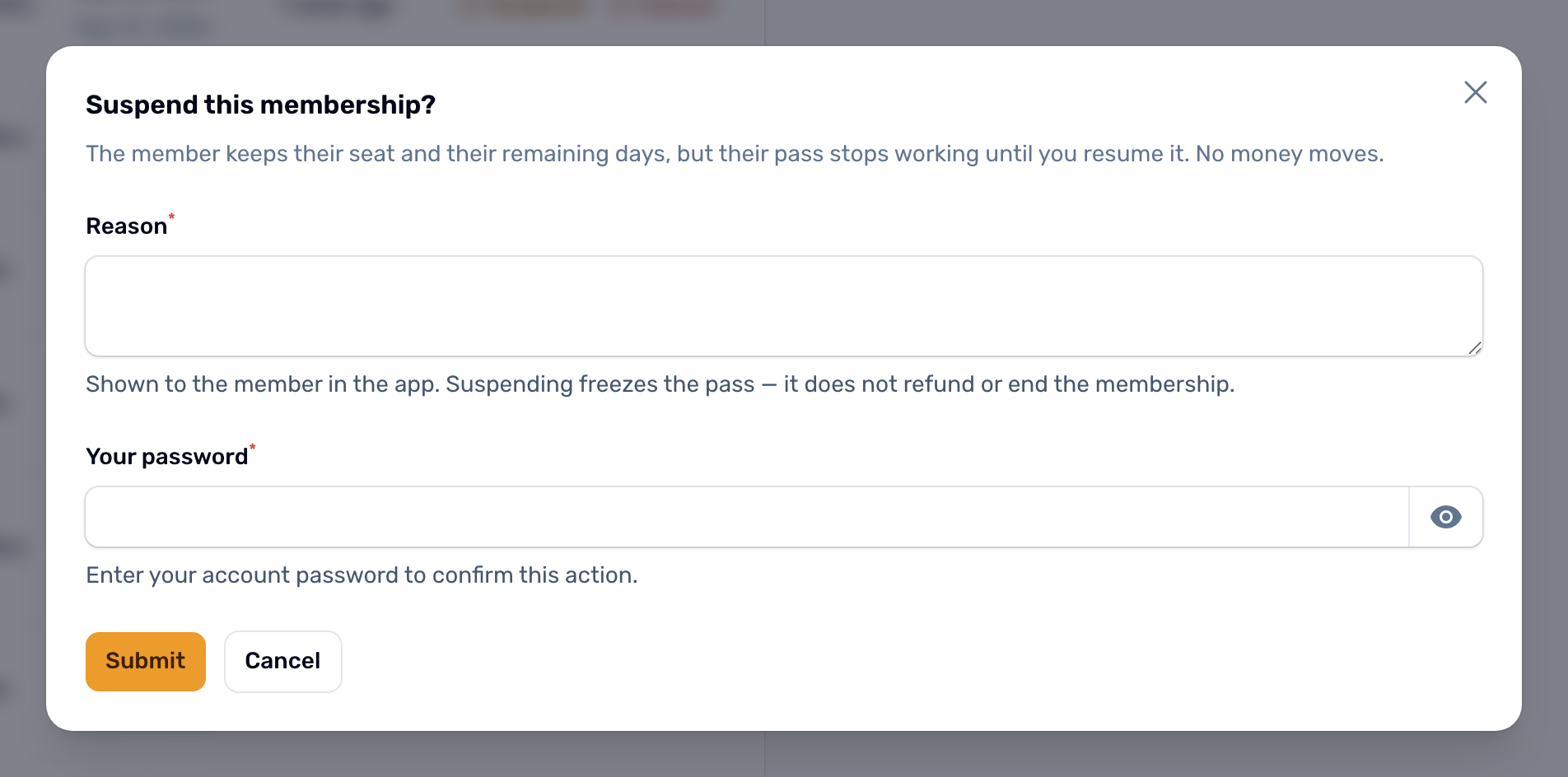
Suspend
In a Members list, click Suspend on the row. -
Give a reason
The reason is shown to the member in the app and in the notification they get, so write it for them. -
Confirm
Enter your password or PIN and submit.
While it is frozen#
- The member gets Membership frozen with your reason.
- The pass stops working: the app hides the QR code and the Check in page says Frozen.
- The member cannot extend it, and a freeze made by your club cannot be lifted by the member.
- It still counts as a taken seat and still shows as Active with a Frozen chip.
- The expiry reminder is not sent while it is frozen.
Resume#
Click Resume on the row and confirm. The days it was frozen are added to the end date, at least one day, and the member gets Membership resumed with the new end date. Resume also lifts a freeze the member made themselves.
Members can also freeze their own membership if the plan allows it, see Freeze your membership.