

Esta página aún no está traducida al español, así que estás leyendo la versión en inglés.
Check in at the door
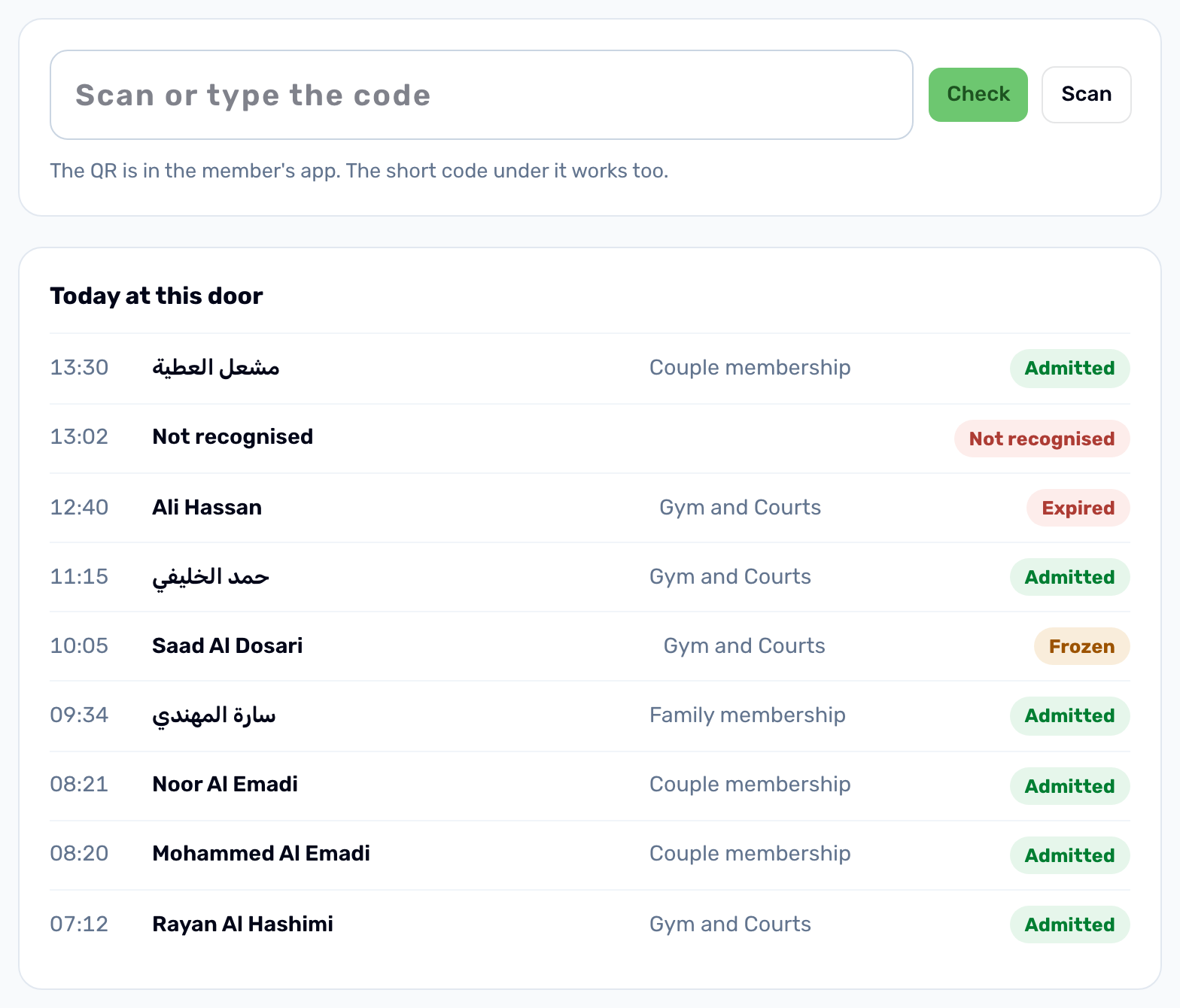
Scan or type a member pass on the Check in page, read the verdict and keep a log of every scan, refused ones included.
Open Check in in the Membership group. Keep it open on the desk computer or tablet at the door.
-
Read the pass
Scan the QR code on the member's phone with a scanner that types into the box, or click Scan to use the camera. The Scan button only shows in browsers that can read QR codes, such as Chrome. You can also type the code: the full code or the short code printed under the QR. -
Check
Press Enter or click Check. The box clears for the next person. -
Read the verdict
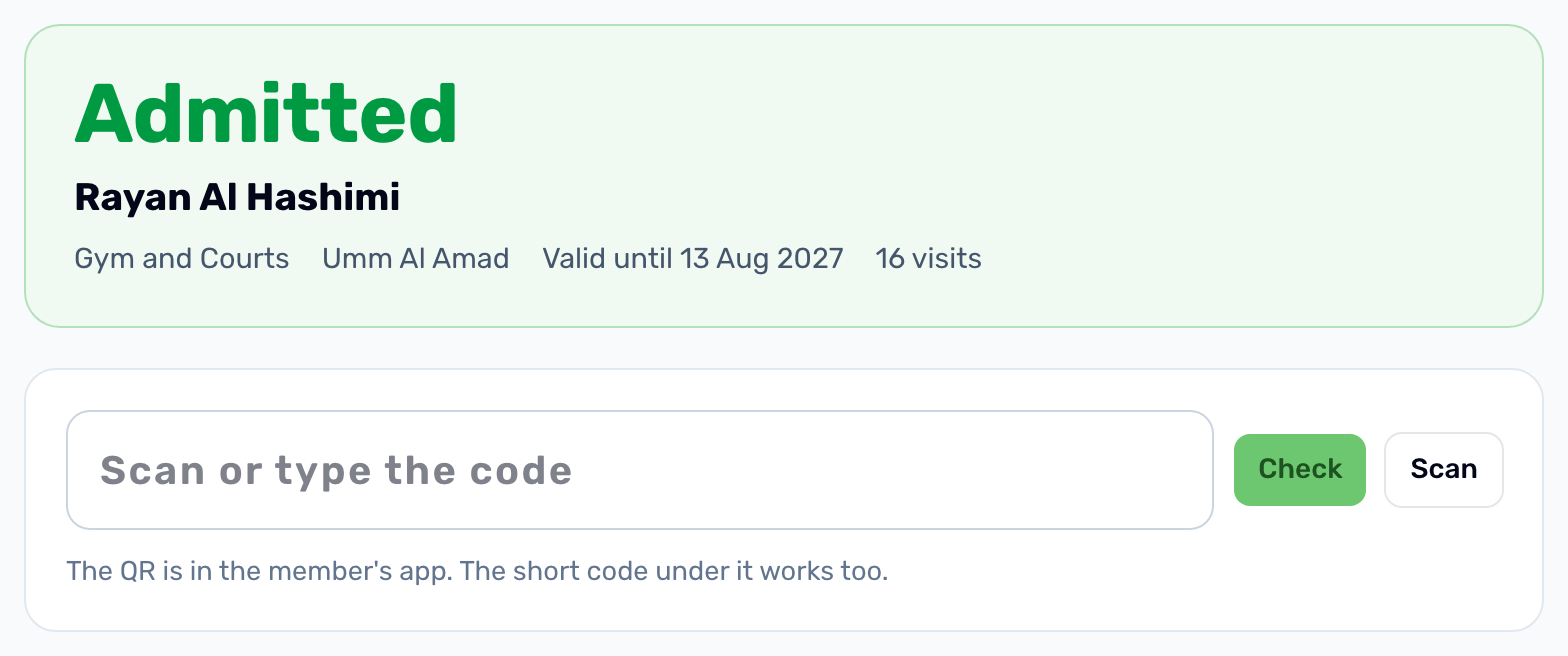
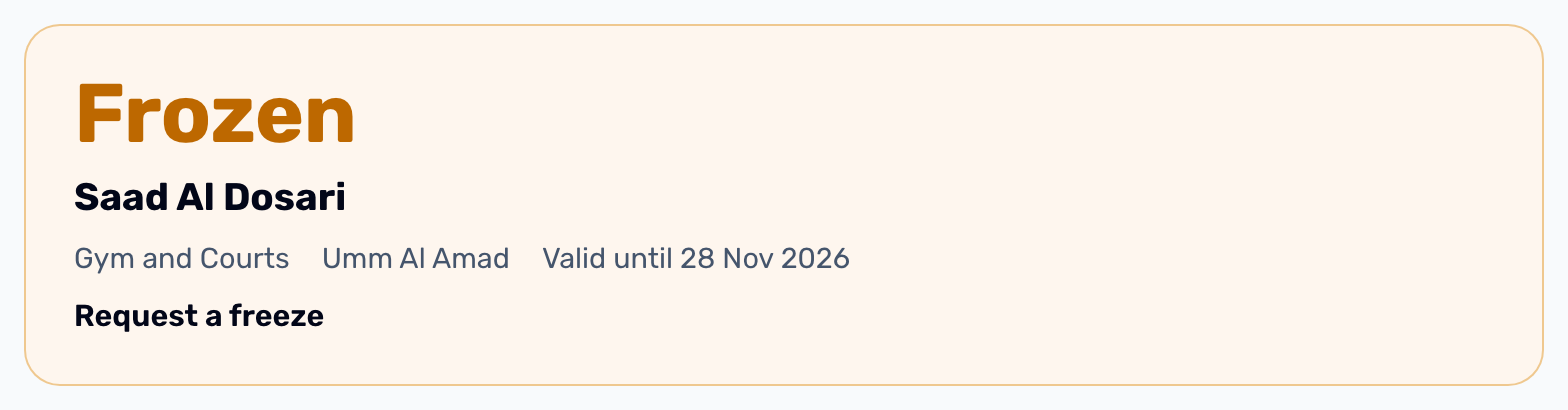
One large word says what to do, with the name, the plan, the club, the end date and how many visits the membership has had.
| Verdict | Why |
|---|---|
| Admitted | A paid membership that has not ended and is not frozen. |
| Frozen | The membership is frozen. The reason is shown under it. |
| Expired | The end date has passed. The date is shown. |
| Cancelled | The membership was cancelled. Your staff's reason is shown. |
| Not paid | A reservation that was never paid. |
| Not recognised | No membership at your club has this code. |
Today at this door#
Every scan is saved, refused ones and unknown codes too, and the last 40 of today are listed under the box with the time, the person, the plan and the verdict. A run of Not recognised usually means the wrong thing is being scanned.