

Esta página aún no está traducida al español, así que estás leyendo la versión en inglés.
Cancellation and freeze rules
Decide whether members may cancel, what they get back, and whether they may freeze their own membership.
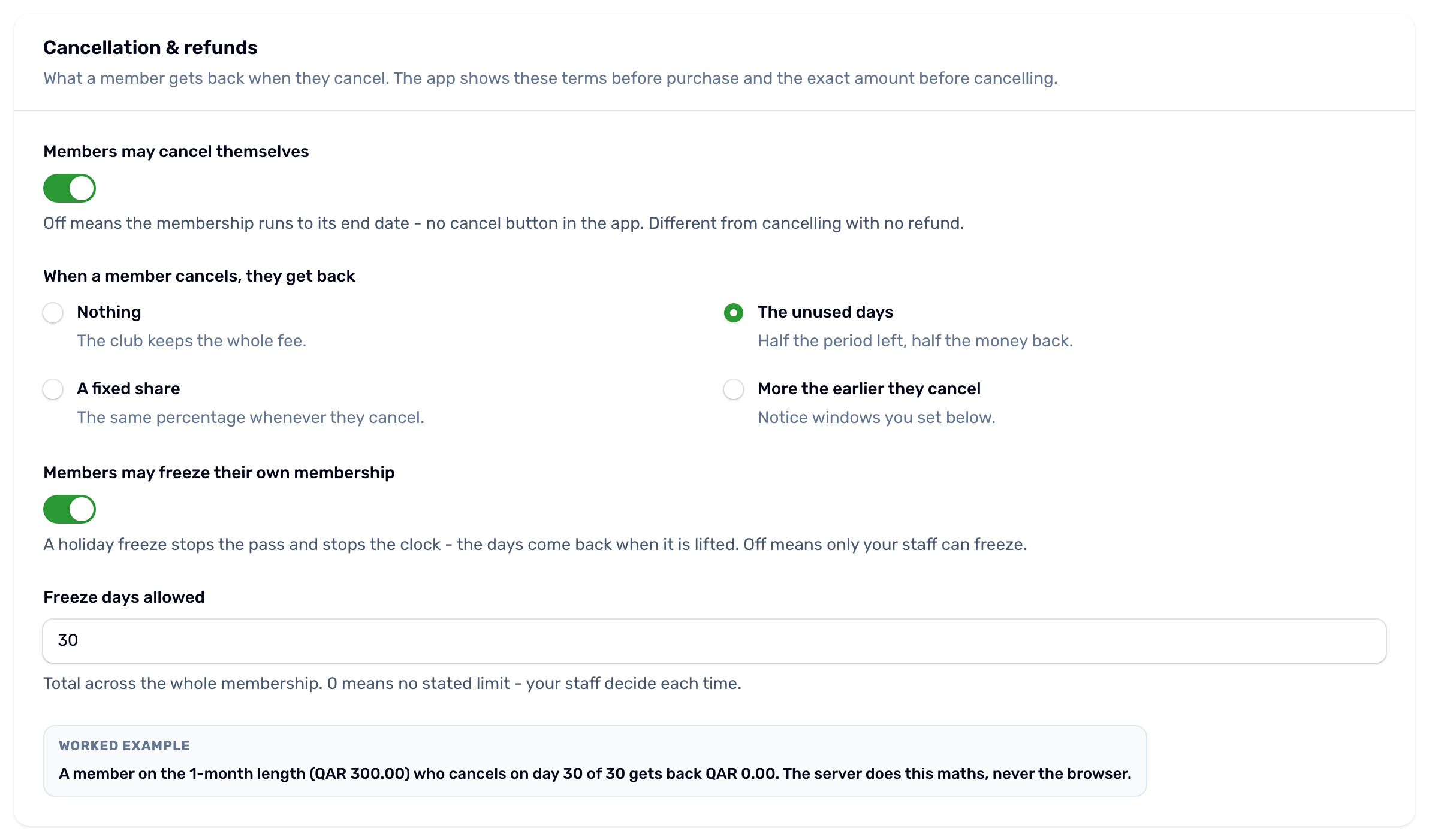
The Cancellation tab sets the rules a member sees before buying and the amount the app shows before they cancel. The server works out every refund, never the app.
Members may cancel themselves#
Off means the membership runs to its end date and the member cannot cancel it. That is different from cancelling with no refund. Your staff can still cancel any membership from the Members list and decide the refund there.
When a member cancels, they get back#
| Rule | What the member gets back |
|---|---|
| Nothing | No refund. The club keeps the whole fee. |
| A fixed share | The same percentage of what they paid, whenever they cancel. |
| The unused days | The share of the period not used yet: days left divided by the days of the whole period, times everything paid. Extensions count, both in the days and in the money. |
| More the earlier they cancel | Notice windows, for example 48 hours or more before, 100%. The hours are counted to the membership's start date, so once it has started this rule gives nothing back. |
The worked example under the rules shows what a member on the default length would get back.
Freezing#
- Members may freeze their own membership adds a freeze button to the membership in the app. A freeze stops the pass and stops the clock, and the days come back when it is lifted. Off means only your staff can freeze.
- Freeze days allowed is the total across the whole membership. Once the member has used it, the button disappears. 0 means no stated limit.
More in Freeze and resume and Cancel and refund.