

Esta página aún no está traducida al español, así que estás leyendo la versión en inglés.
Subscribe and pay
Tap Subscribe, pay with your wallet or another method, and get your pass. A reservation you do not pay waits in your profile.
Subscribing needs an account. If you are not signed in, the app asks you to sign in first.
-
Subscribe
Choose a card and tap Subscribe. If the club accepts codes, type yours in the plan details first. -
Pay
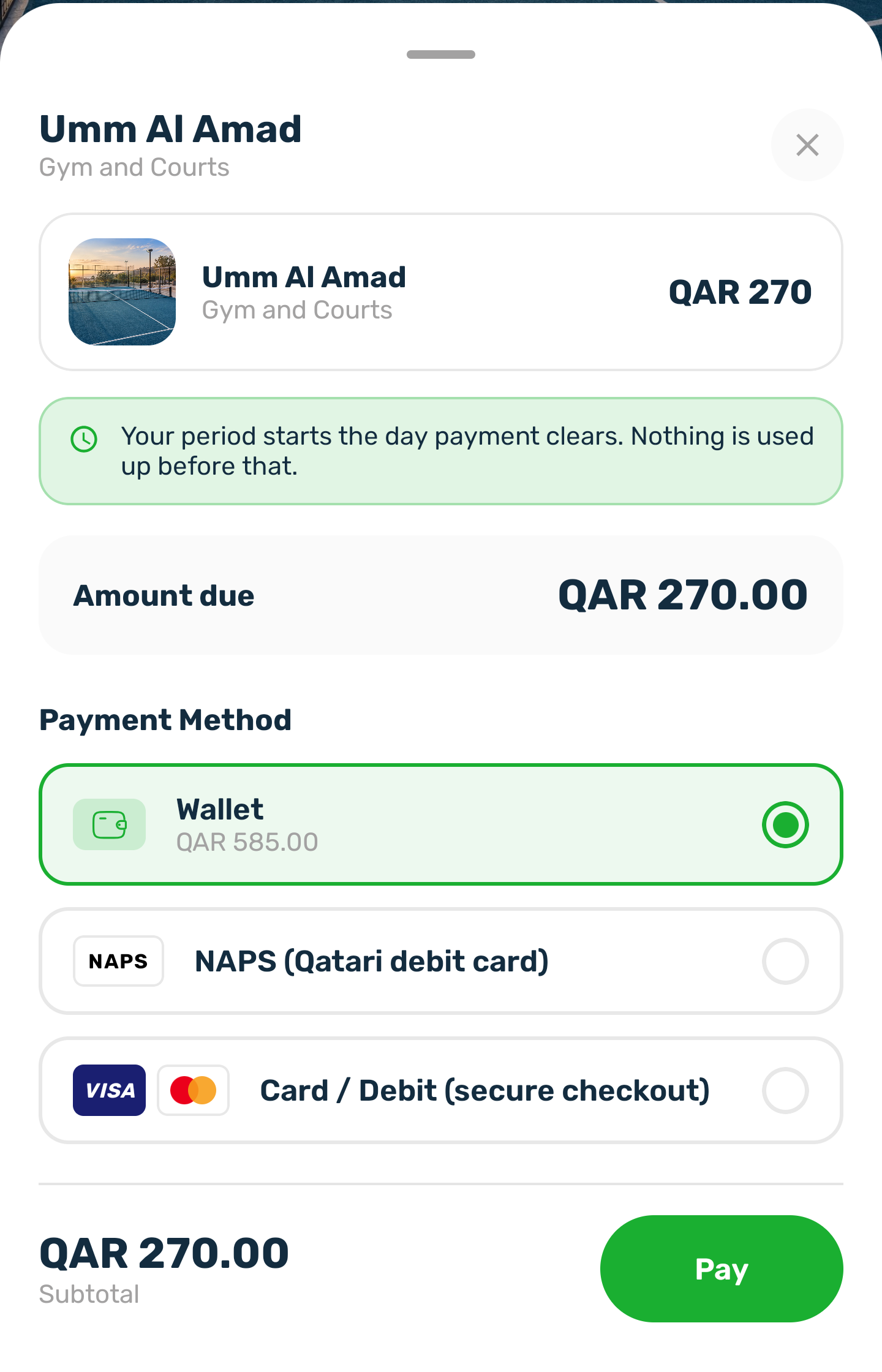
The payment sheet opens with the amount due and the payment methods the club offers, such as your wallet when the balance is enough, NAPS or a card through secure checkout. Choose one and tap Pay. -
You're a member
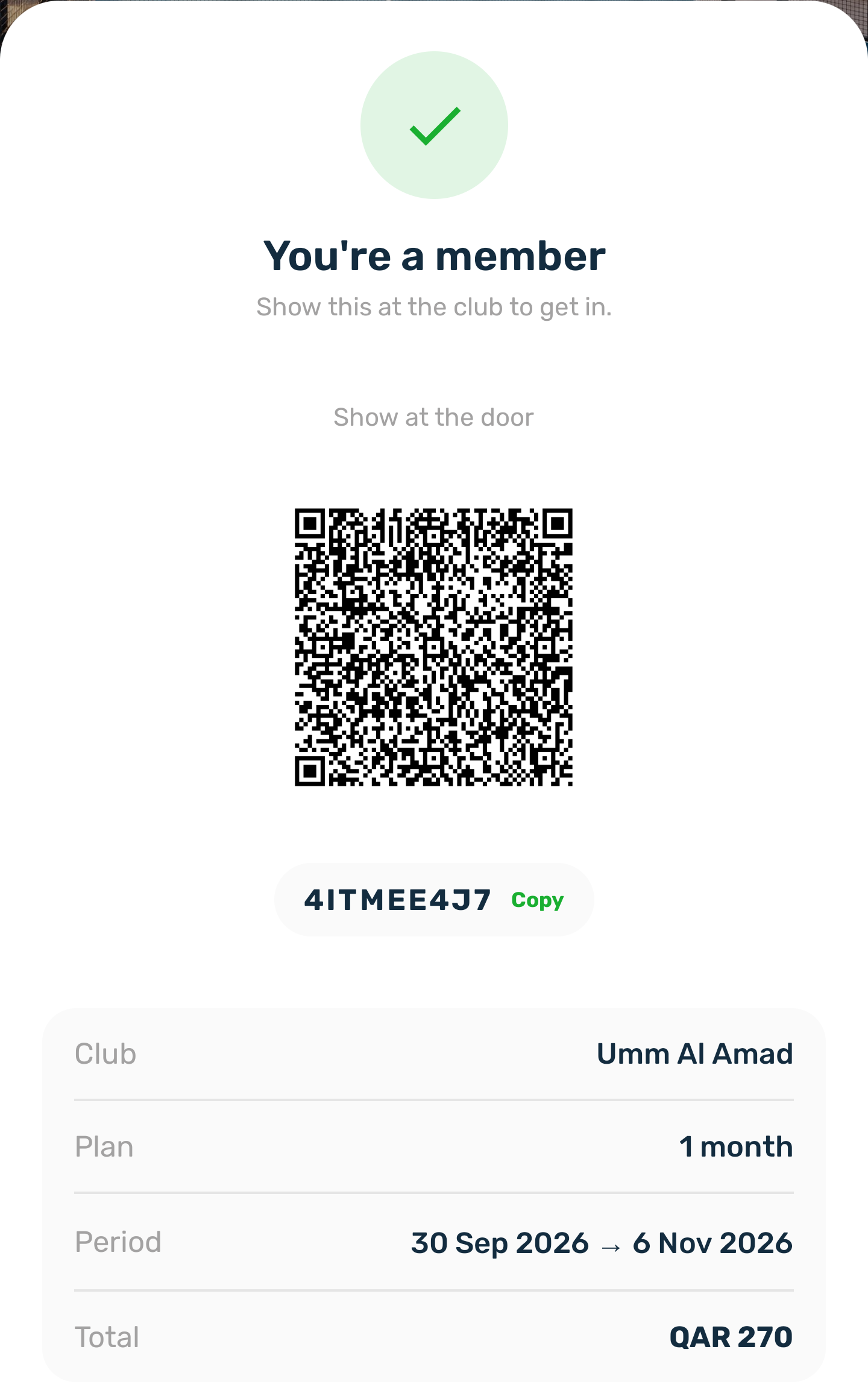
Once the payment goes through, the app shows your pass with the club, the length, the period and the total.
Your membership starts on the day the payment goes through. Nothing is used up before that. You also get a Membership active notification and a confirmation email.
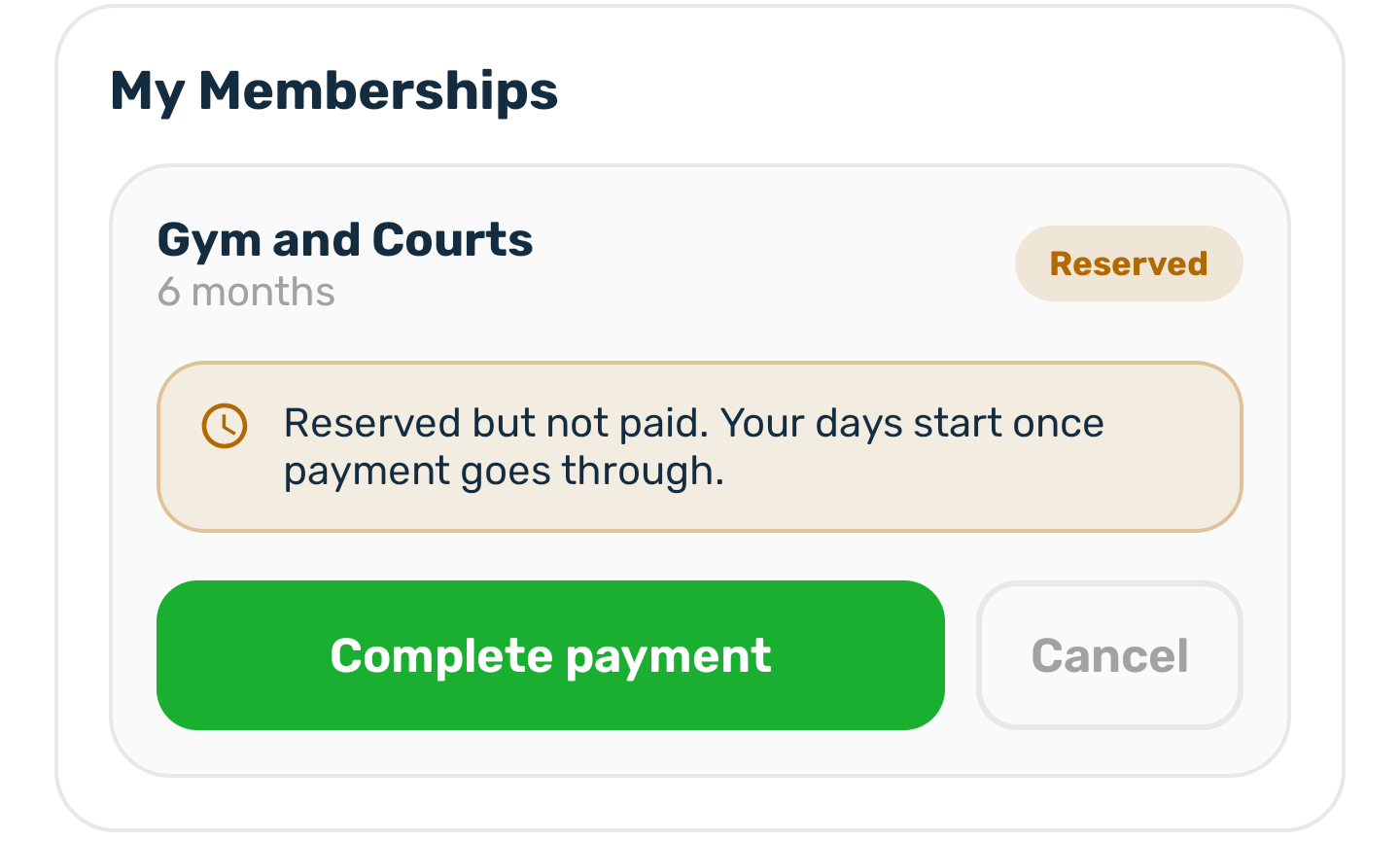
If you close the sheet without paying#
Your choice is kept as a reservation. It shows in your profile under My Memberships as Reserved. Tap Complete payment to pay later, or Cancel to drop it. If you tap Subscribe on the same plan again, the app reuses the reservation with the length you pick now.
If subscribing does not work#
| Message | Why |
|---|---|
| You already hold an active membership for this plan. | You can only hold one running membership of the same plan. Extend it instead. |
| This membership is full. | Every seat was taken, maybe while you were choosing. |
| This plan is not available. | The club stopped selling it. |
| A voucher message | The code did not work. Nothing was charged. Fix or remove the code and try again. |