

Esta página aún no está traducida al español, así que estás leyendo la versión en inglés.
Find a club
Open Membership from Home, search and filter the clubs, and read a club page before you choose a plan.
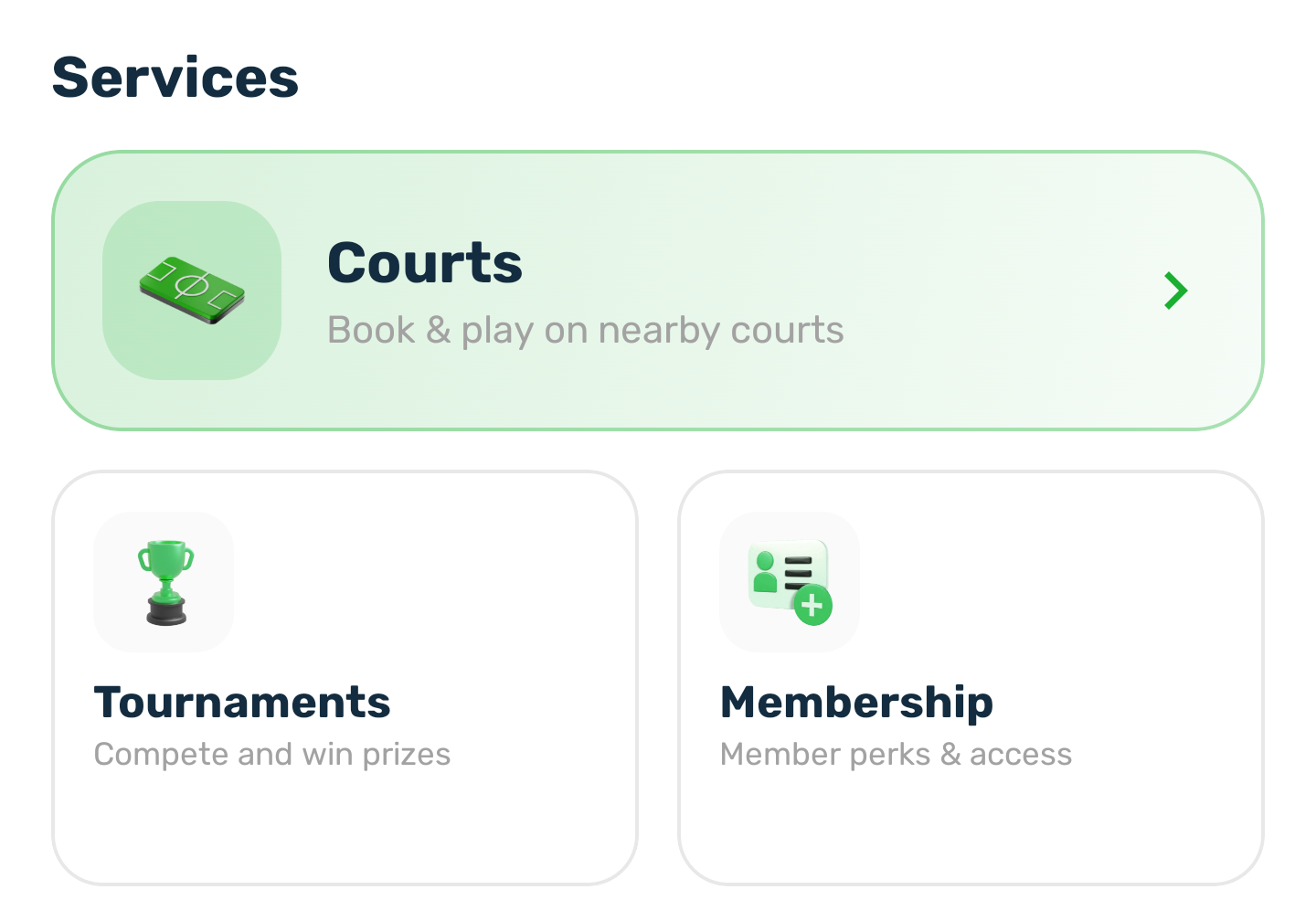
On the Home screen, tap Membership under Services. You do not need to be signed in to look around.
The clubs list#
The list shows every club that sells at least one plan. Featured clubs come first.
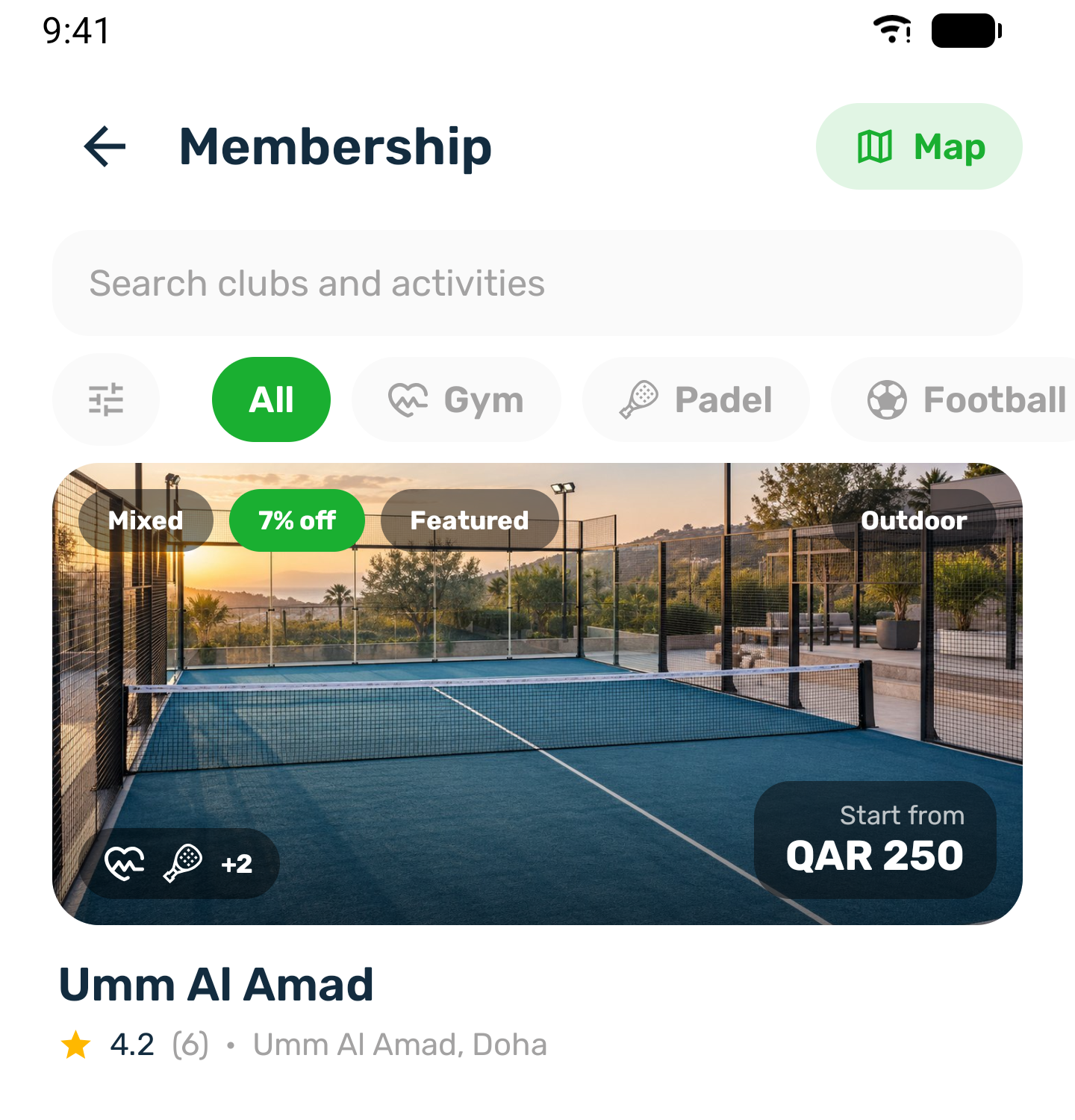
- The card shows the club's photo, who it is for (Mixed, Men or Ladies), the best saving on its plans, Featured, Indoor or Outdoor, the activities, and the price it starts from.
- Search by club name, or tap an activity chip such as Padel to see only the clubs that offer it.
- Map shows the clubs on a map.
Filters#
Tap the filter button at the start of the chips. Choose any of the four sections and tap Show clubs. Reset clears them. The button shows how many filters are on.
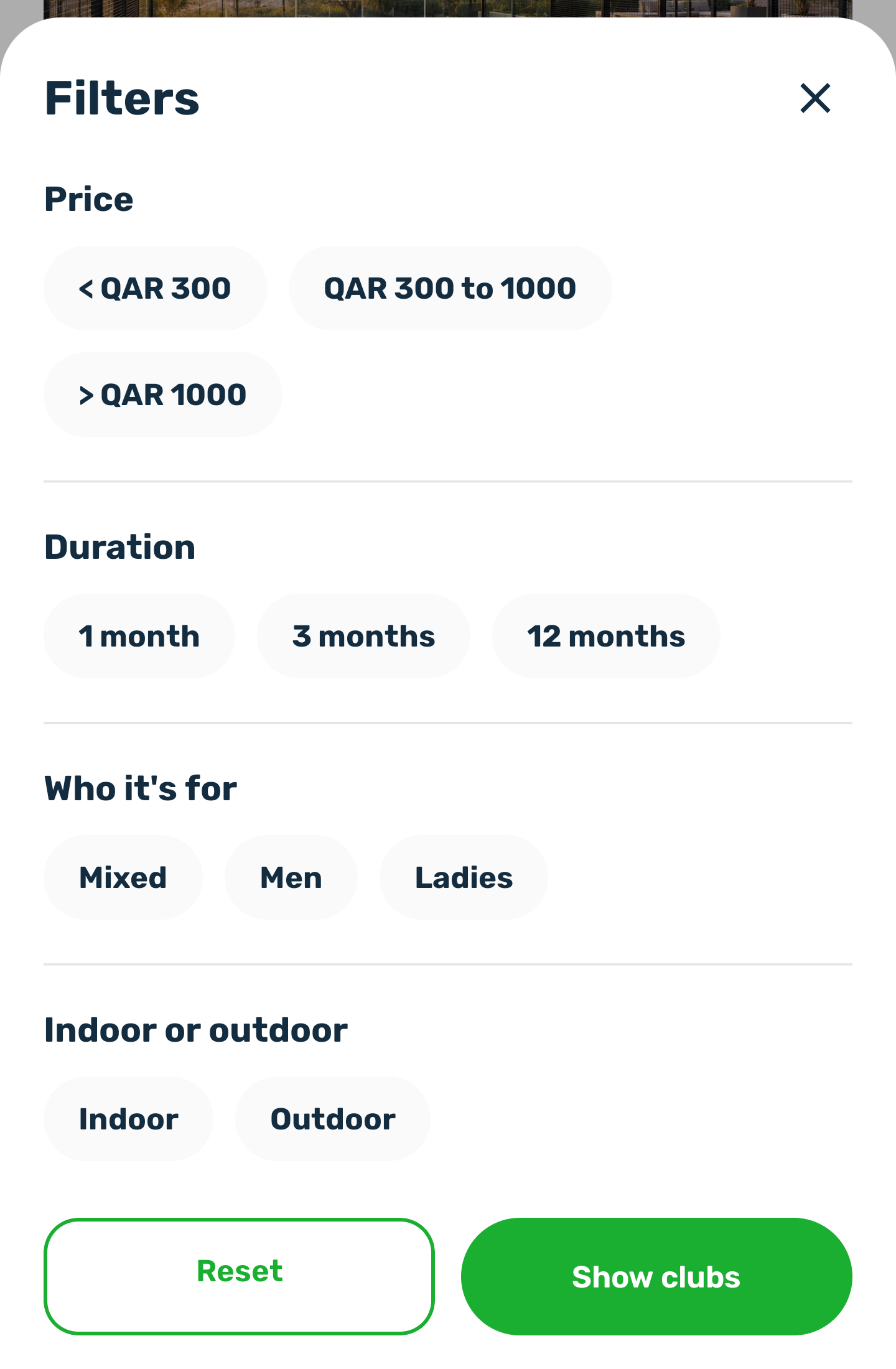
- Price looks at the price the club's card starts from.
- Duration finds clubs selling a plan at that length.
- Who it's for and Indoor or outdoor come from the club itself. A club that has not said is only shown when these are left on Any.
The club page#
Tap a club to open it. At the top are its photos, the rating, the area and a button to call the club. Three tabs follow: Home, Membership and Sessions.
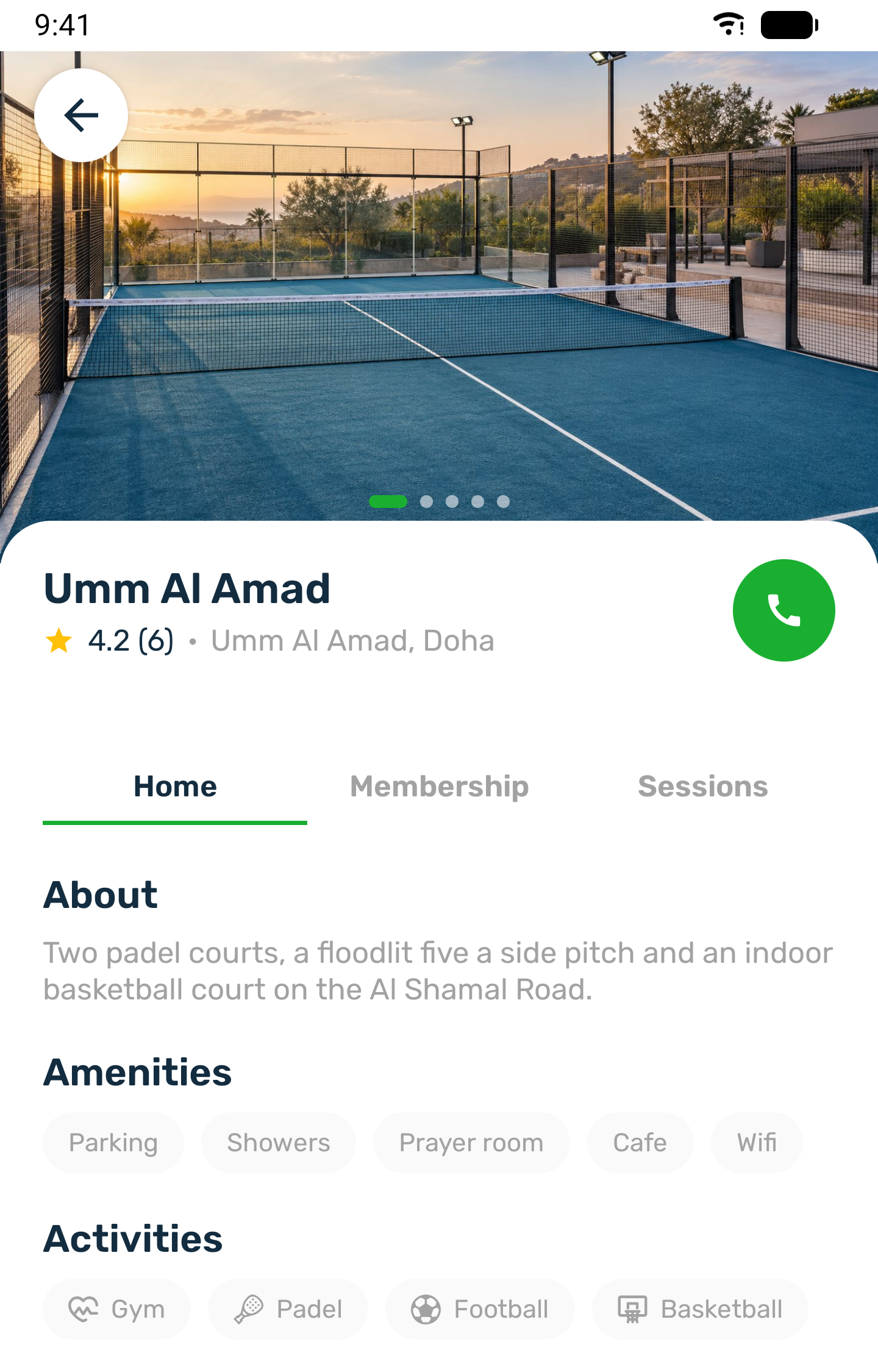
Home shows what the club wrote about itself, its amenities and its activities. Membership has the plans, see Choose a plan. Sessions has the classes, see Classes at the club.