Esta página aún no está traducida al español, así que estás leyendo la versión en inglés.
Cancel and refunds
See exactly what you get back before you cancel, take the club offer to stay if there is one, and find the refund in your wallet.
-
Cancel
On your membership tap Cancel. -
Read the amount
The sheet says how much you get back, worked out by the club's rule at this moment, or that the cancellation refunds nothing. -
Decide
Tap Cancel to cancel, or Keep it to close the sheet.
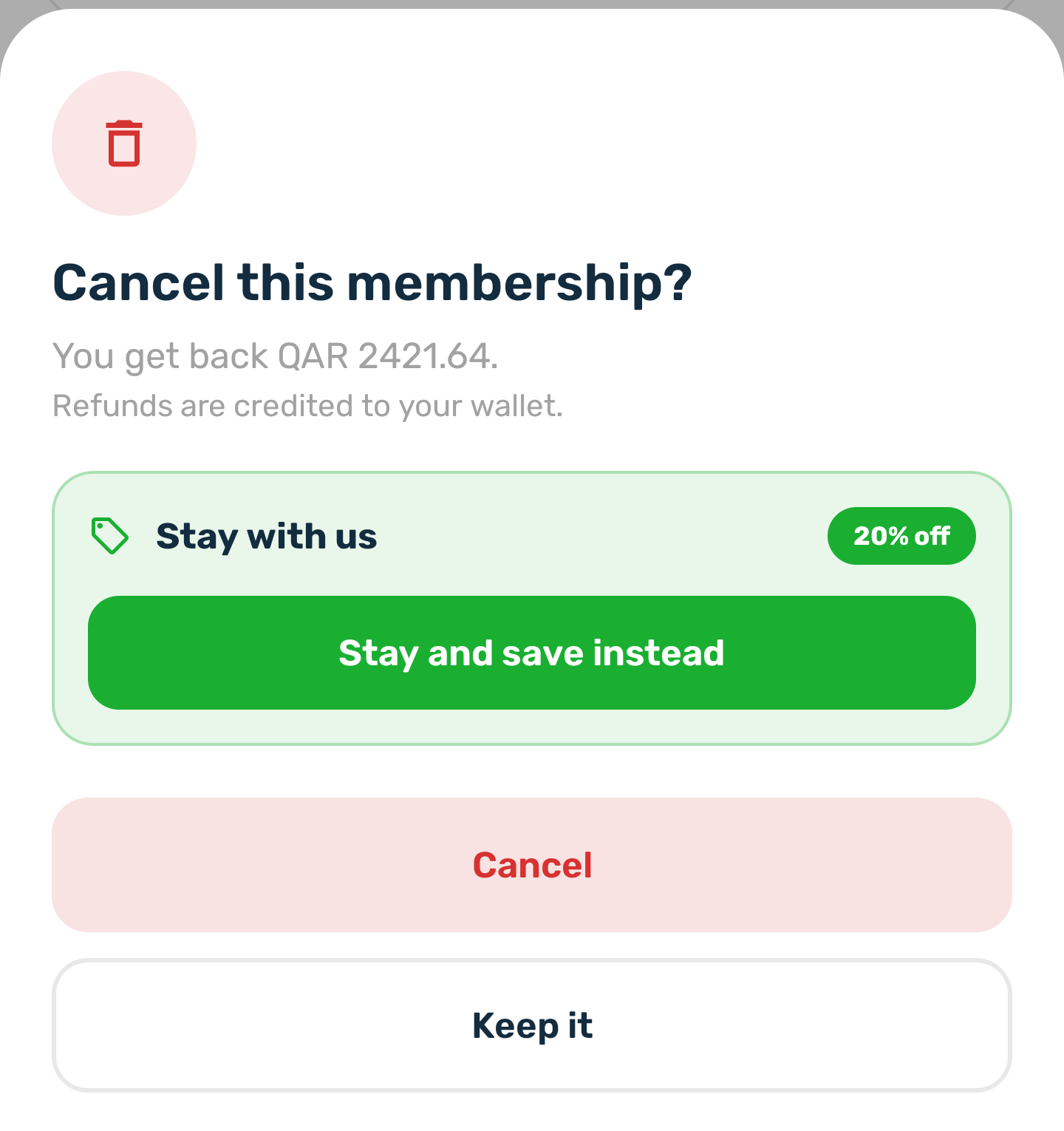
- Refunds are credited to your wallet, never to a card. You get a Refund received notification, and you can spend the balance on anything in the app.
- Cancelling ends the membership at once: the pass stops and the place goes to someone else.
- Cancelling a reservation you have not paid simply drops it.
- Some plans cannot be cancelled. The plan details say so before you buy, and the membership shows no Cancel button. A reservation you have not paid can still be dropped.
Stay and save instead#
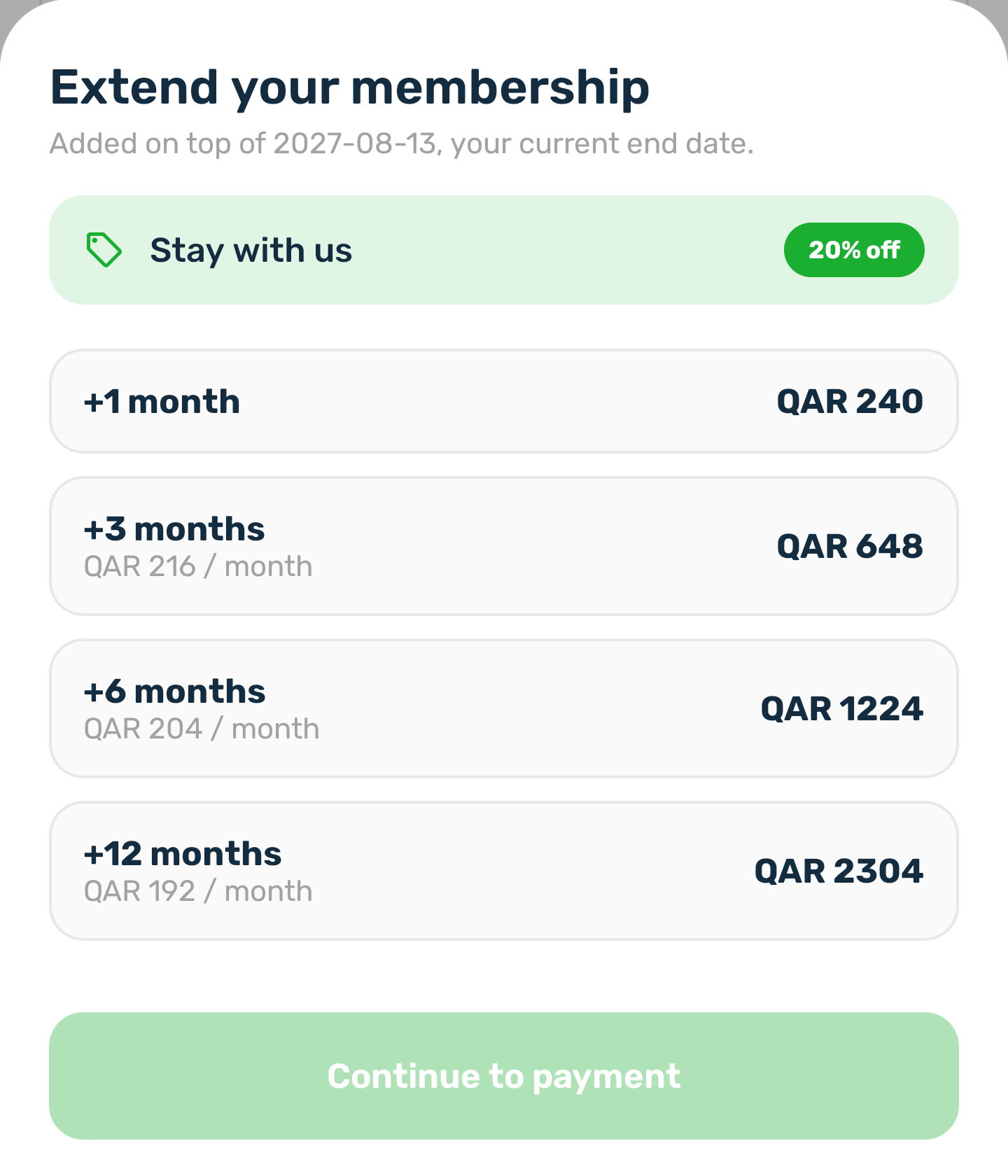
The club may show an offer in the cancel sheet to keep you. Tap Stay and save instead to open Extend with that discount on every length. Pay for an extension and your membership carries on.