Cette page n’est pas encore traduite en français. Vous lisez la version anglaise.
Reviews and favourites
Rate a venue, edit or delete your review, read what others wrote, and keep the courts you use in your favourites.
Rate a venue#
On the venue's Home tab, the rating card shows the average, the number of ratings and the total games played there.
-
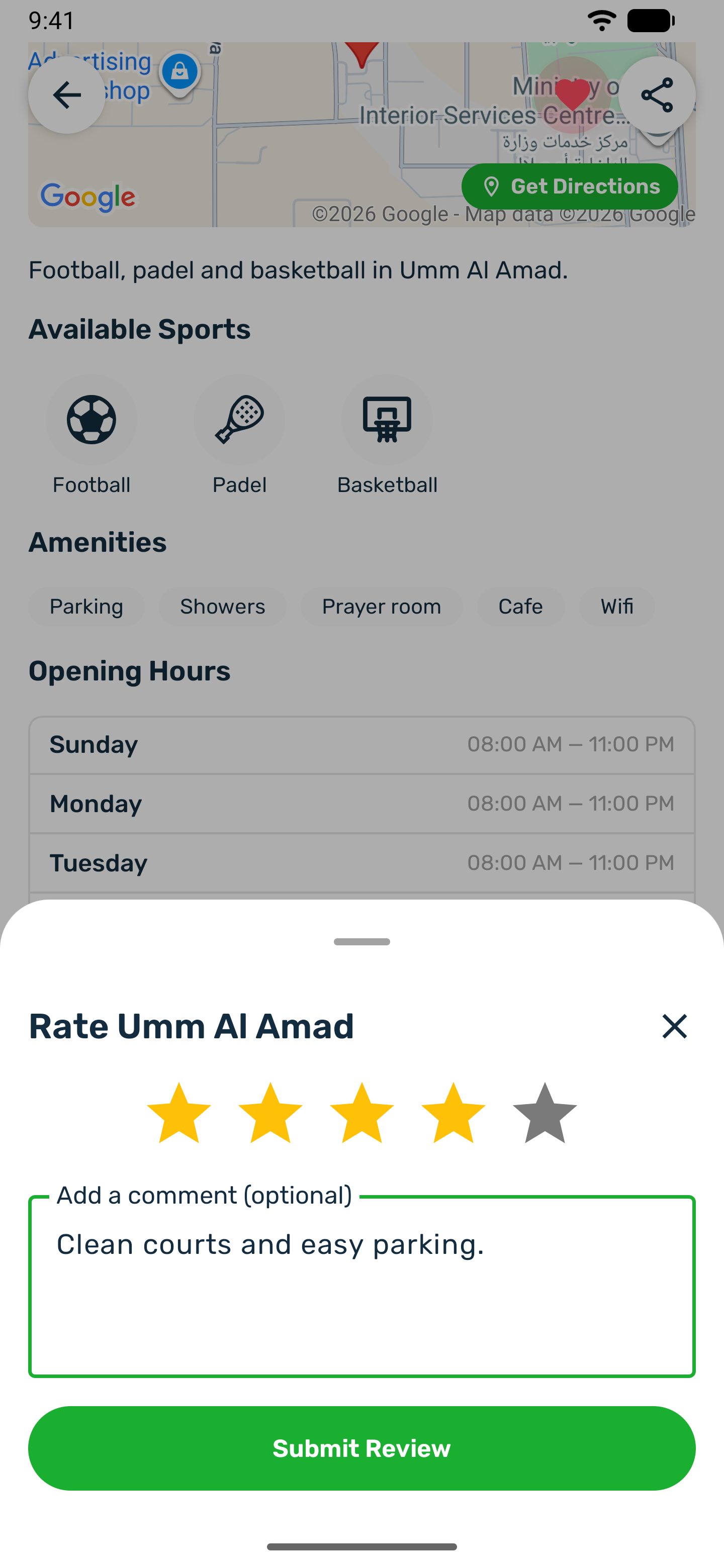
Rate Venue
Tap Rate Venue. You need to be signed in. -
Pick the stars
Choose from 1 to 5 stars. -
Add a comment
Optional. Share what the court and the staff were like. -
Submit Review
Your review appears in the list and the average updates at once.
Each person has one review per venue. Once you have one, the button reads Edit Review, and Update Review saves your changes. Delete removes it after you confirm.
Read reviews#
The newest reviews show under the rating card, with See all reviews for the rest. Each one has the reviewer's name, the stars, when it was written and the comment. Tap a reviewer's photo to open their profile. A reviewer who shows their photo only to followers appears without it.
Favourites#
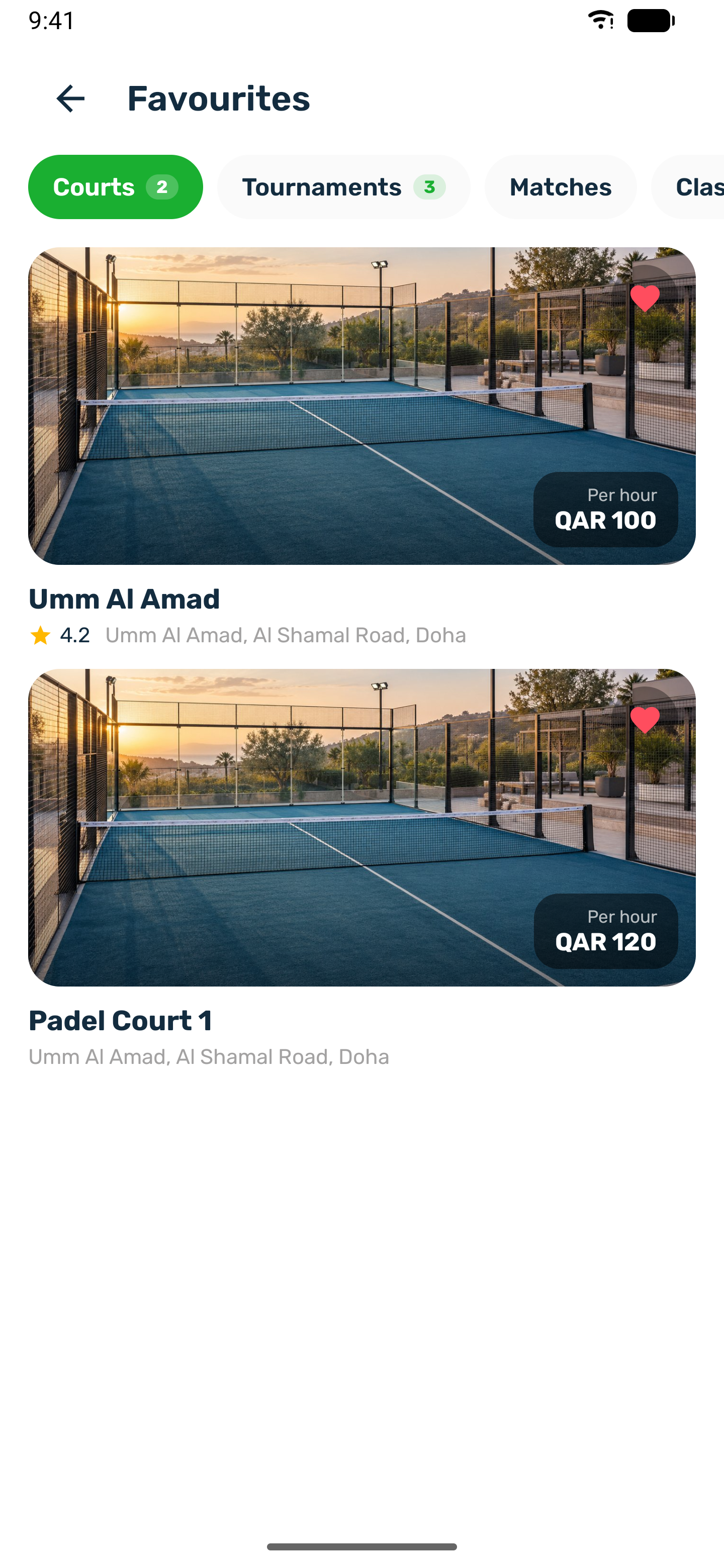
Tap the heart on a card or on the venue page to save it. Tap it again to remove it. Your saved courts are in Settings, My Favourites, on the Courts tab, ready to open and book.