Cette page n’est pas encore traduite en français. Vous lisez la version anglaise.
Organizations and venues
Your organization, its venues and the sports they offer. What Bsporty approves, and what players see on a venue card.
Courts sit inside venues, and venues sit inside an organization. You set these up once in the Organizations & Venues group of the sidebar. The menu words follow your size: with one venue the sidebar says Organization and My Venue, and with two or more it says Organizations and Venues. Nothing else changes.
The organization#
The organization is your club as a business: its name, category, logo, owner and legal papers.
- Organization information: Category (Club, Academy or Independent Venue), the name in English and Arabic (French and Spanish are optional) and a description.
- Branding: the logo and a cover image.
- Owner information: the owner's name, phone and email, the commercial registration and the tax number.
- Legal documents: the commercial registration is required, the trade licence and the computer card are optional. PDF or image, up to 5 MB each.
Approval#
A new organization is saved as Pending and sent to Bsporty for review. You see Sent for approval. We will email you once it is reviewed. The Status field is set by Bsporty, not by you.
| Status | What it means |
|---|---|
| Pending | Waiting for Bsporty. It does not show in your app, and its venues and courts cannot be added yet. |
| Active | Approved. Its venues and courts can be added and shown in the app. |
| Rejected | Not approved, with the reason at the top of the page. Fix what it says and save to send it again. |
| Suspended | Hidden from your app by Bsporty. |
Sports#
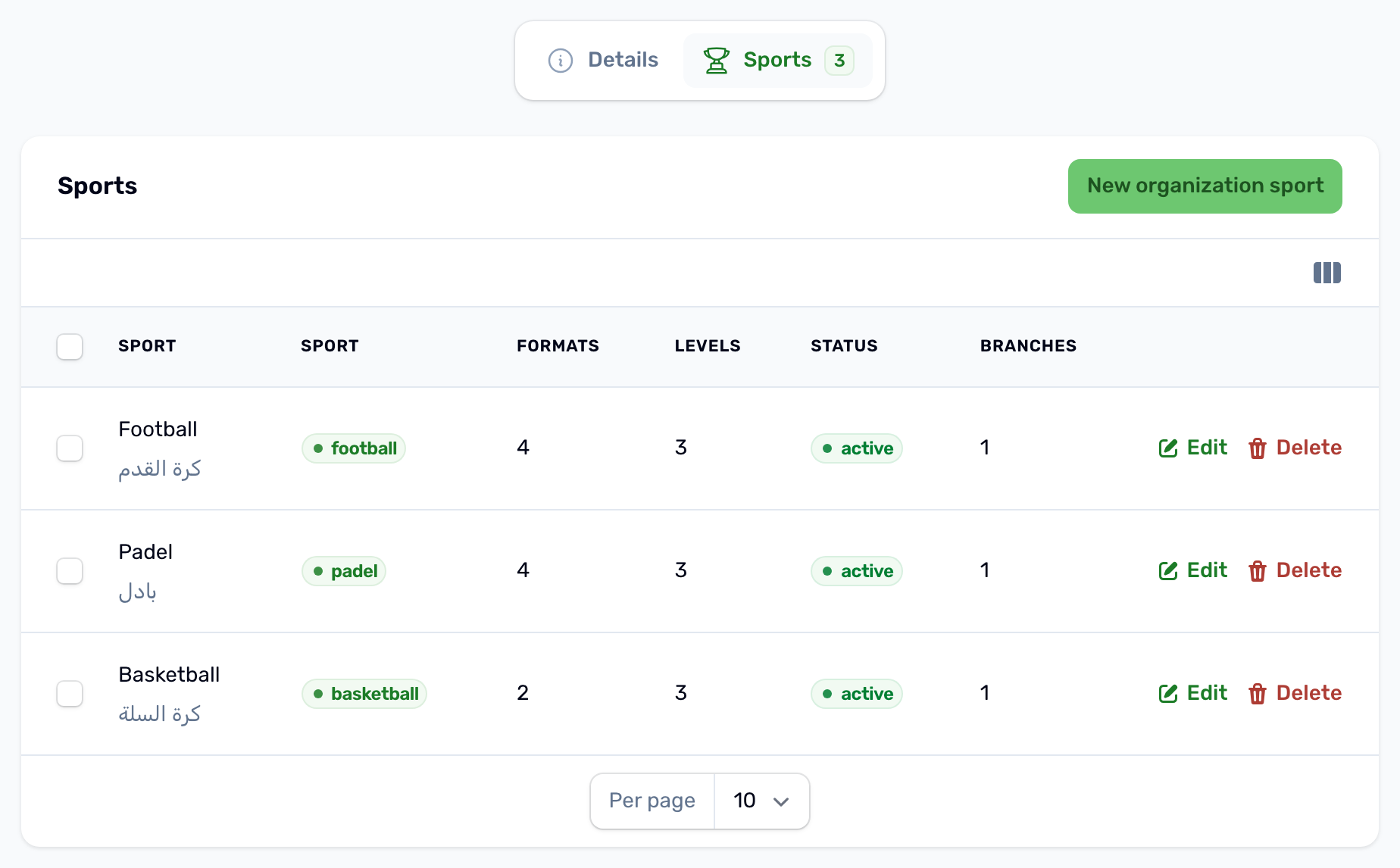
The organization's Sports tab lists what you offer. Add a sport from those enabled for your project. While the organization has none, the page warns No sports yet, because courts cannot be created without one.
A sport can be Active or Pending (hidden from branches). Only active sports can be given to venues and courts. When your organization has exactly one venue, a sport you add is attached to that venue at once, and a first venue created after the sports starts with all of them.
Venues#
A venue is a place players travel to. Add one with New in My Venue or Venues. Only active organizations can have venues.
| Section | What to fill in |
|---|---|
| Organization & Identity | The organization, Active or Inactive, the name in English and Arabic, Audience (Male, Female or Mixed, shown as a badge on the card), Indoor venue, the logo and a description. Featured shows the venue in the banner carousel on the app's home screen. |
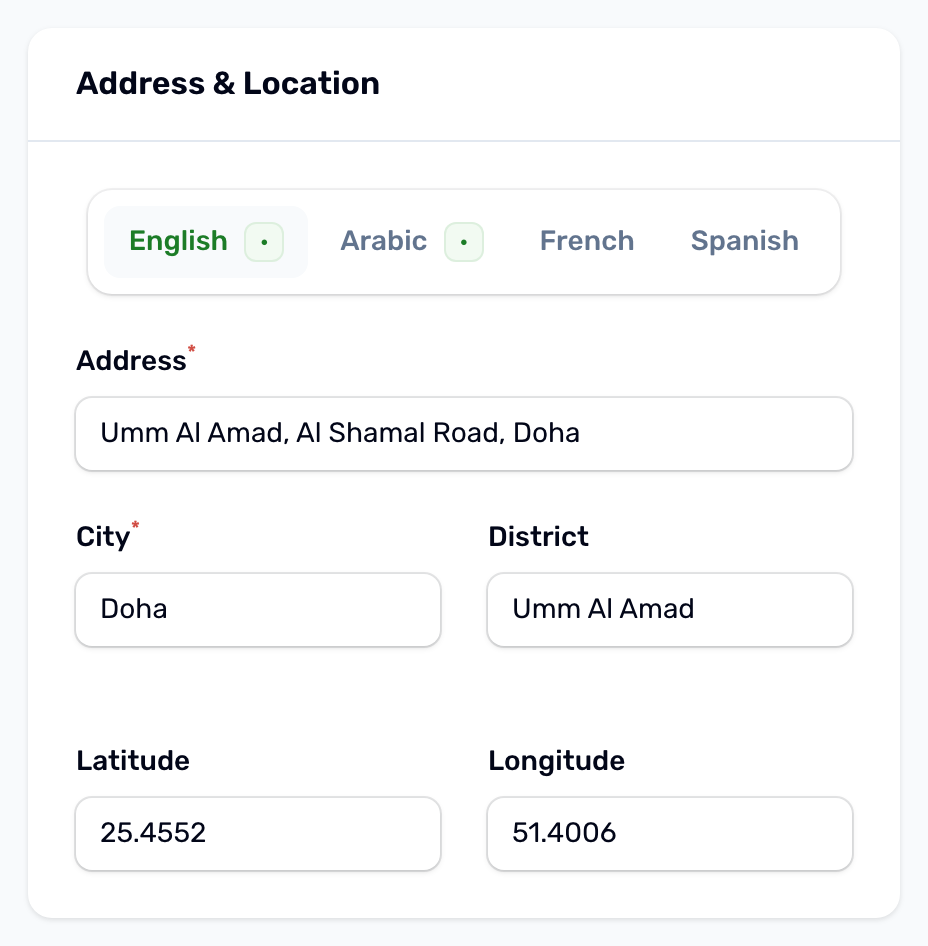
| Address & Location | The address in English and Arabic, the city and district, and the pin. Click the map or drag the pin to set the position. |
| Contact | The venue's phone and email, and the manager's name and phone. |
| Sports | Tick the organization's sports played here. A first venue with nothing ticked gets all the organization's active sports when you save it. |
| Amenities & Photos | Amenities such as parking, lockers, showers, a cafe, wifi or a prayer room, each with a name and an icon key. Up to 5 photos for the card and the gallery. |
Opening hours are not set on the venue. Each court has its own, on its Schedule tab.
What players see#
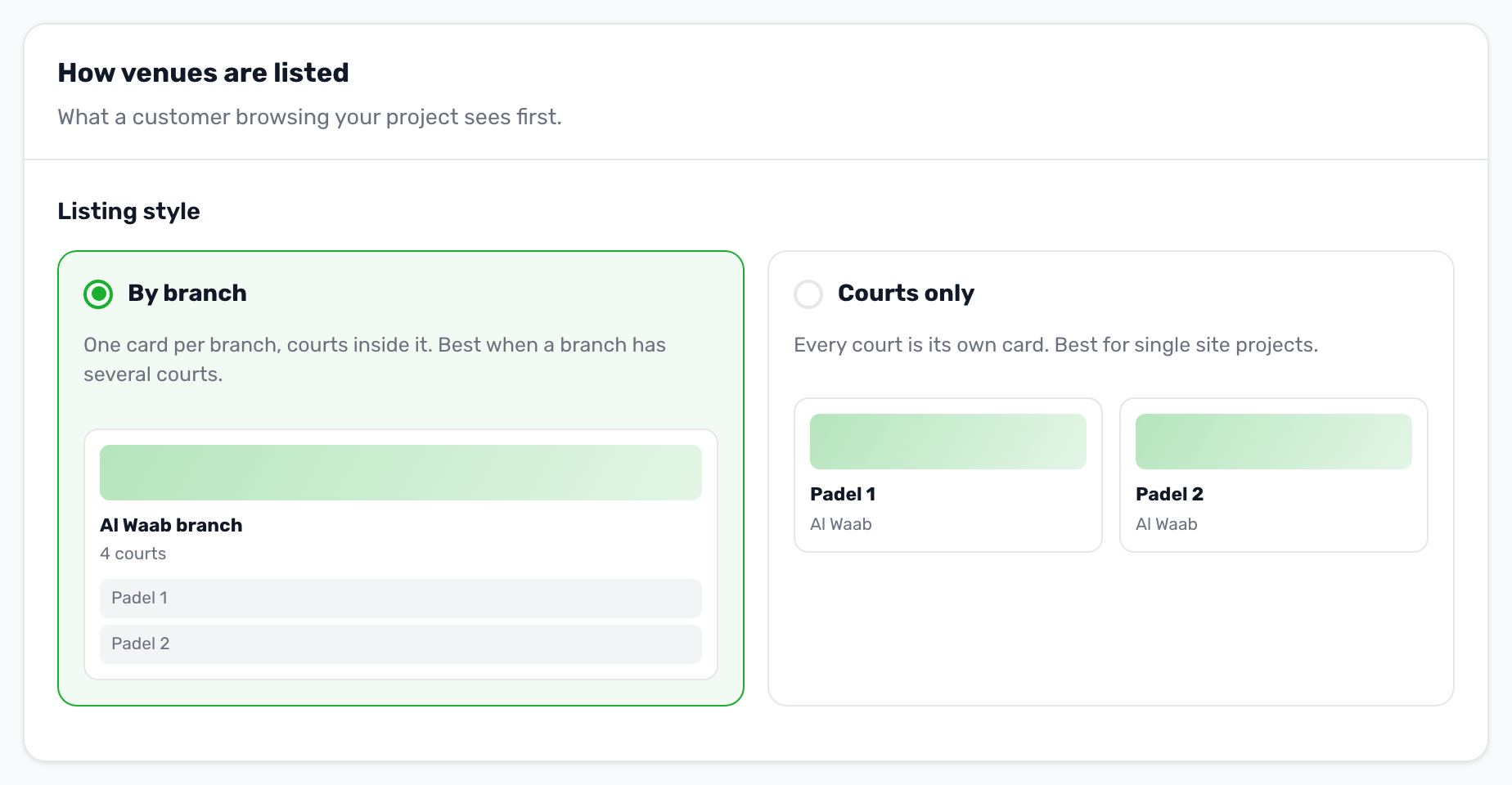
How venues appear in the app depends on the Listing style in Settings, App experience.
| Listing style | In the app |
|---|---|
| By branch (default) | One card per venue, with its courts inside it. Best when a venue has several courts. |
| Courts only | Every court is its own card, showing its venue's location. Best for a single site. |
A card shows the photos, the sports played there, the price per hour, the rating and whether it is indoor or outdoor. Venue photos appear on the venue card. In Courts only mode the court's own photos and amenities are shown.