Cette page n’est pas encore traduite en français. Vous lisez la version anglaise.
Cancel, revert and delete
Cancel a tournament and refund its players, move a status back one step, and move a tournament to the trash.
Cancel a tournament#
Cancel tournament is in the header of any tournament that is not completed.
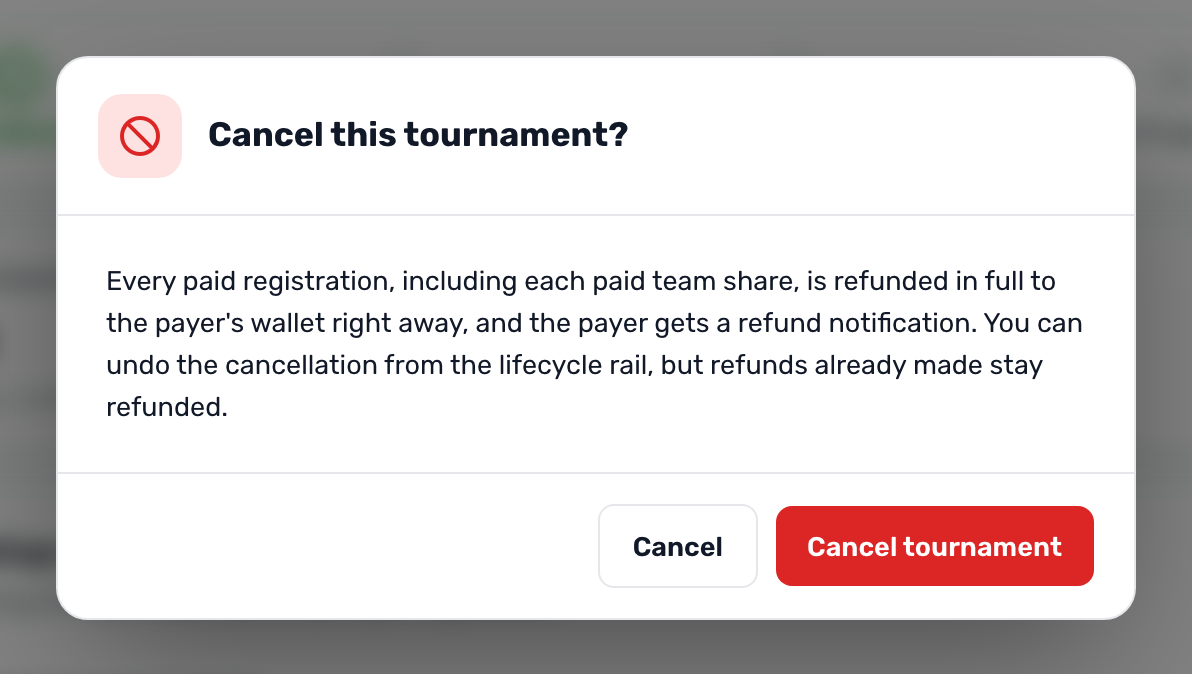
When you confirm:
- The status becomes Cancelled and a banner says This tournament is cancelled.
- Every paid registration, individual or team shares, is refunded to the payers' wallets, and each payer gets Refund received.
- The courts held for the tournament are released.
- No message about the cancellation itself is sent, so tell your players.
In the app a cancelled tournament shows under Finished.

Go back one step#
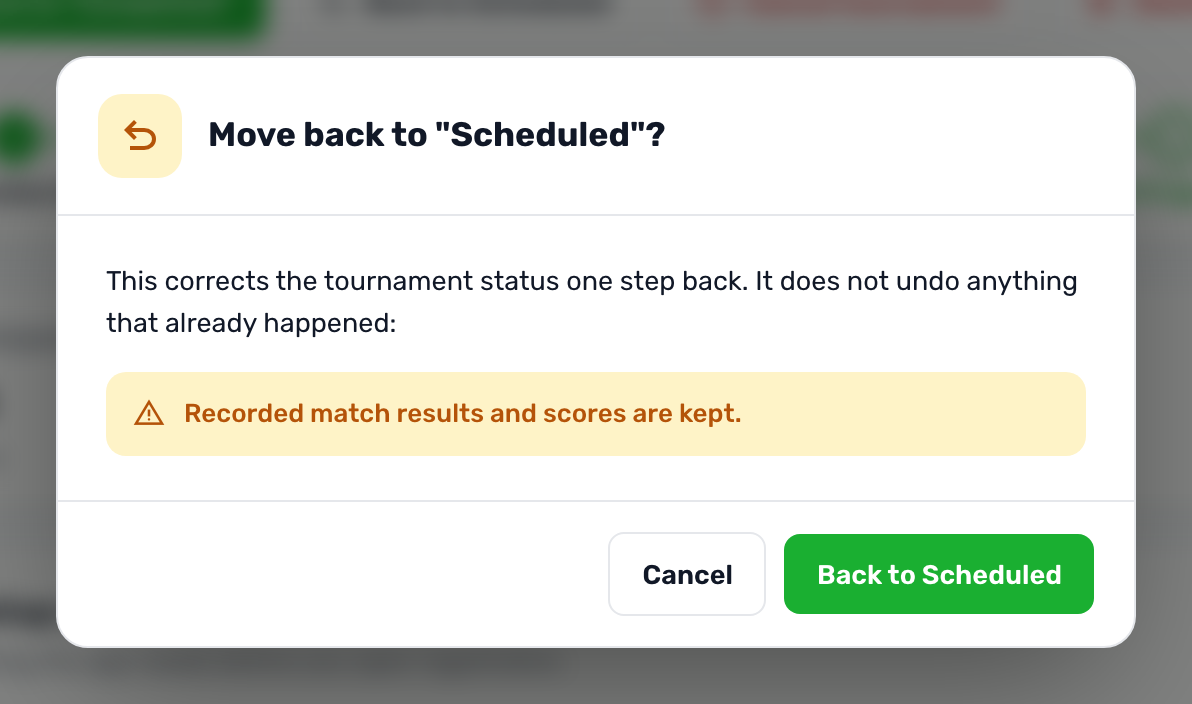
The Back to button moves the status one step back, after a confirmation that lists what stays as it is:
| From | What to know |
|---|---|
| Registration Open to Draft | The tournament leaves the app. Registered players stay registered, and paid. |
| Registration Closed to Registration Open | Registration opens again in the app at once. |
| Scheduled to Registration Closed | The bracket and its matches are kept. |
| In Progress to Scheduled | Results and scores are kept. |
| Completed to In Progress | Winners are kept. |
| Cancelled | Goes back to the status it was cancelled from. Refunds already made are not taken back. |
Delete a tournament#
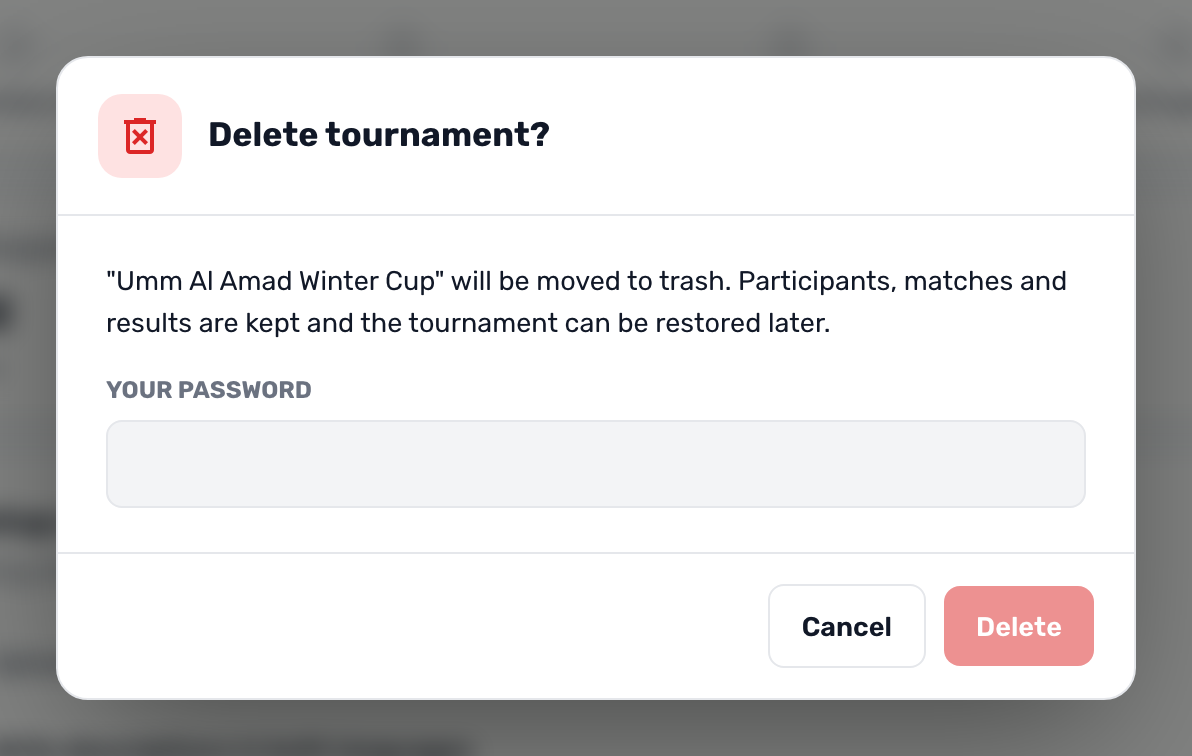
Delete asks for your password and moves the tournament to the trash. Its participants, matches and results are kept, the courts it held are released, and it no longer shows in the app. In the list, Show deleted finds it again with a Restore button.