Cette page n’est pas encore traduite en français. Vous lisez la version anglaise.
Customize what players see
Change the Home cards, screen headers, match covers, team logos and leaderboard rules from App content.
Open Official matches, App content in the portal. The page has five tabs. Every change applies to your club's app only, and the apps show it on their next refresh after you press Save changes.
How texts and images work#
- Each text field has a tab per language: EN, AR, FR and ES. An empty box keeps the default text, shown in grey.
- Write
{brand}anywhere in a text and the app replaces it with your app name. - Leave Your image empty to keep the default image, which is shown beside the field. Landscape images work best. Uploads can be up to 5 MB.
Home#
| Item | What it is | You can change |
|---|---|---|
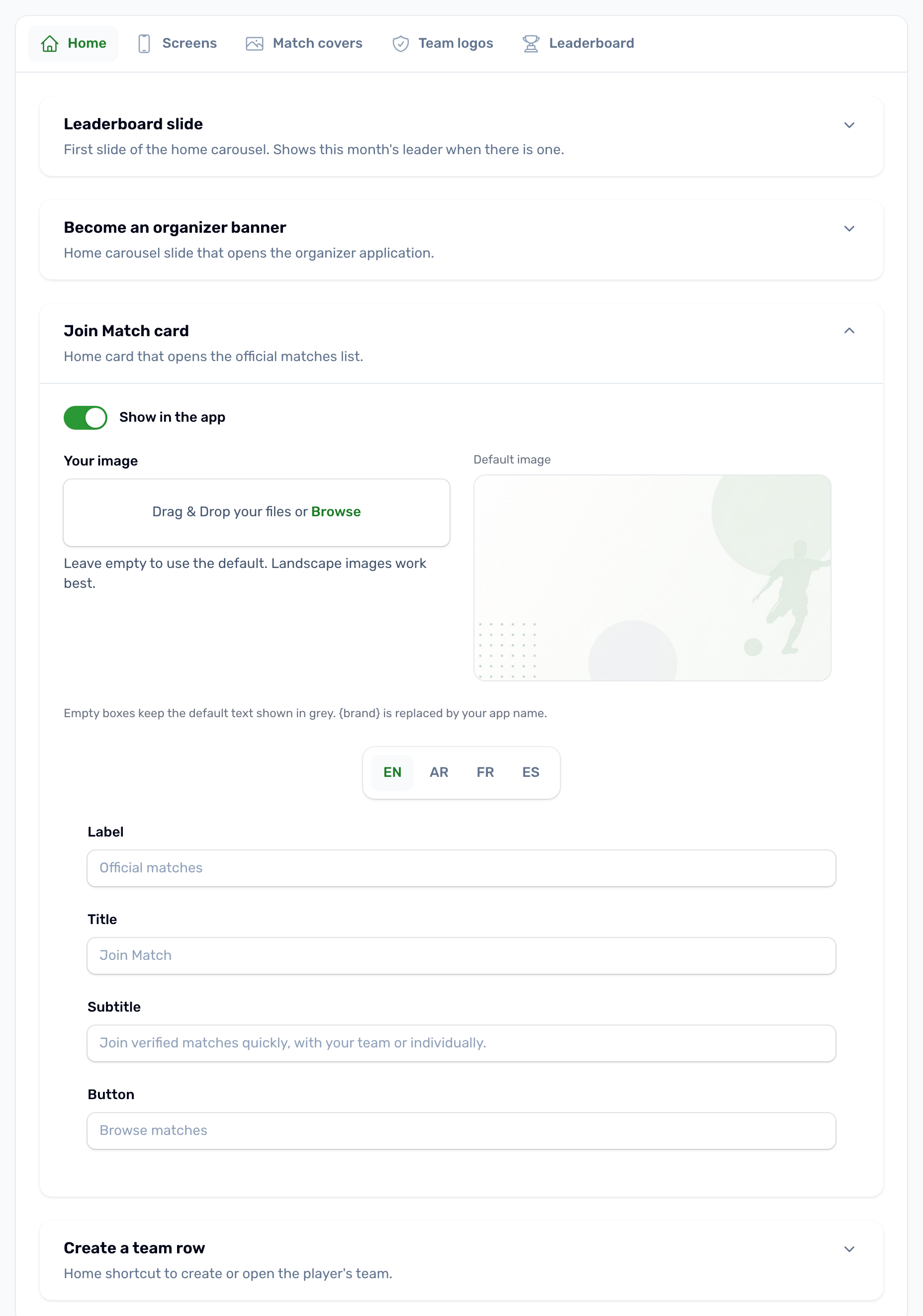
| Leaderboard slide | First slide of the Home carousel. Shows this month's leader when there is one. | Show in the app, small label, title, button |
| Become an organizer banner | Home carousel slide that opens the organizer application. | Show in the app, image, badge, title, subtitle, button |
| Join Match card | Home card that opens the official matches list. | Show in the app, image, label, title, subtitle, button |
| Create a team row | Home shortcut to create or open the player's team. | Show in the app, title, text |
Turning off Show in the app hides that item from Home. Hiding the organizer banner does not stop applications, because the organizer sign in screen still links to the form.
Screens#
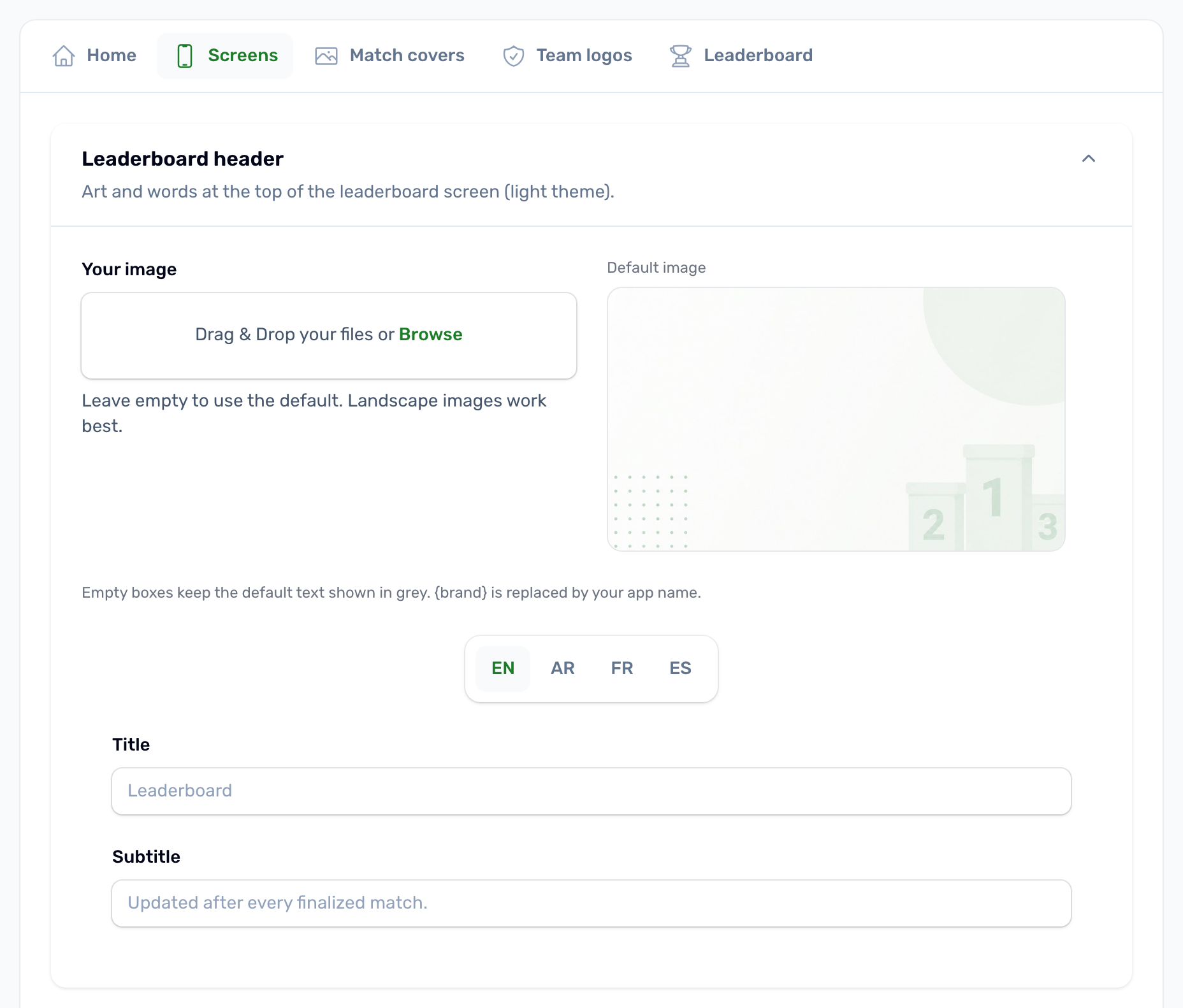
The headers at the top of three screens: the leaderboard, the team profile and create team screens, and the Become an organizer form. Each takes an image and, where the screen has words, its texts.
Match covers#
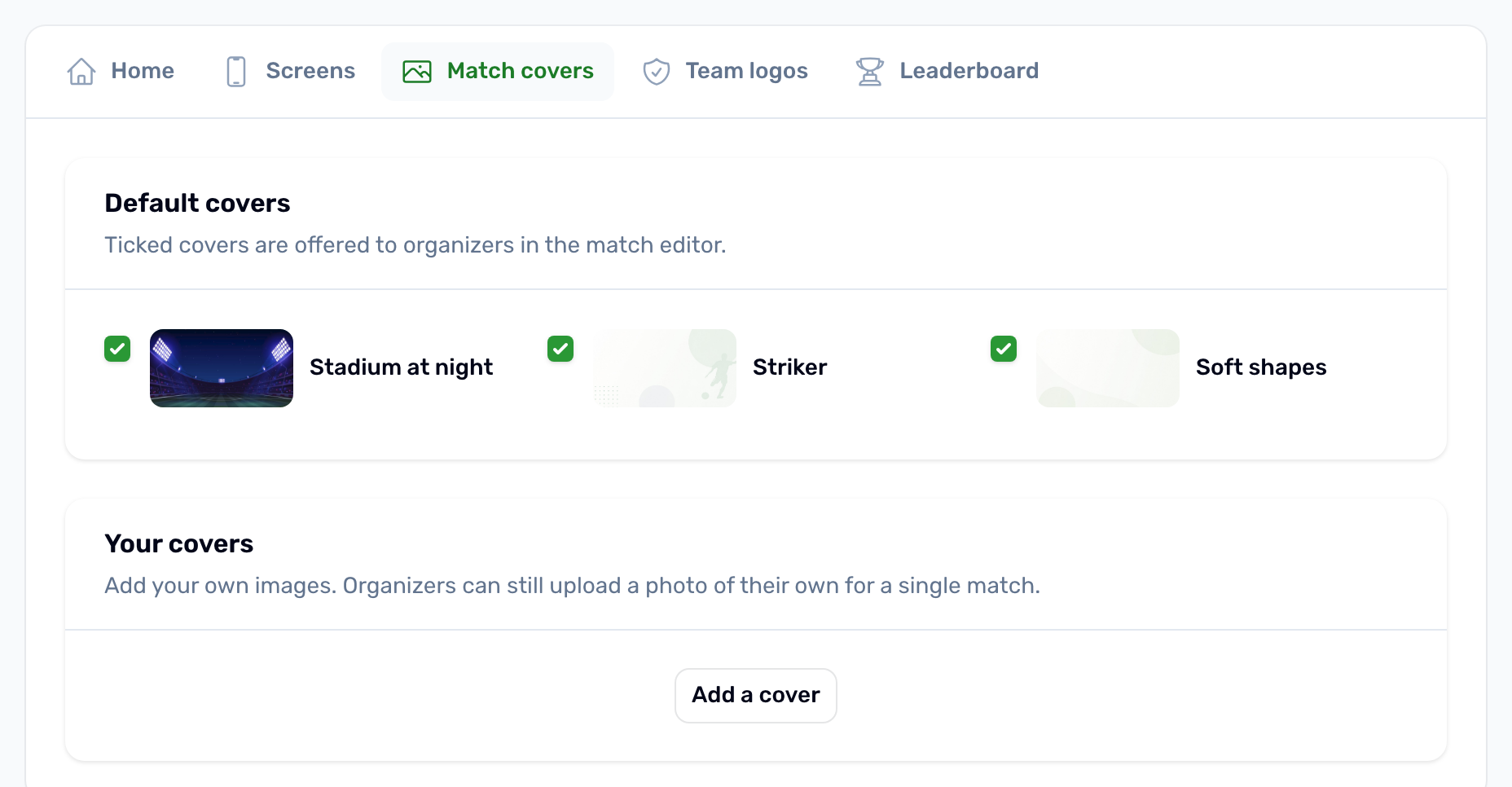
Organizers pick a cover image for each match in the match editor.
- Default covers: tick the ones organizers may choose. There are three: Stadium at night, Striker and Soft shapes.
- Your covers: press Add a cover to upload your own, give it a name and choose whether it is Offered in the app. You can add up to 24.
Organizers can still upload a photo of their own for a single match.
Team logos#
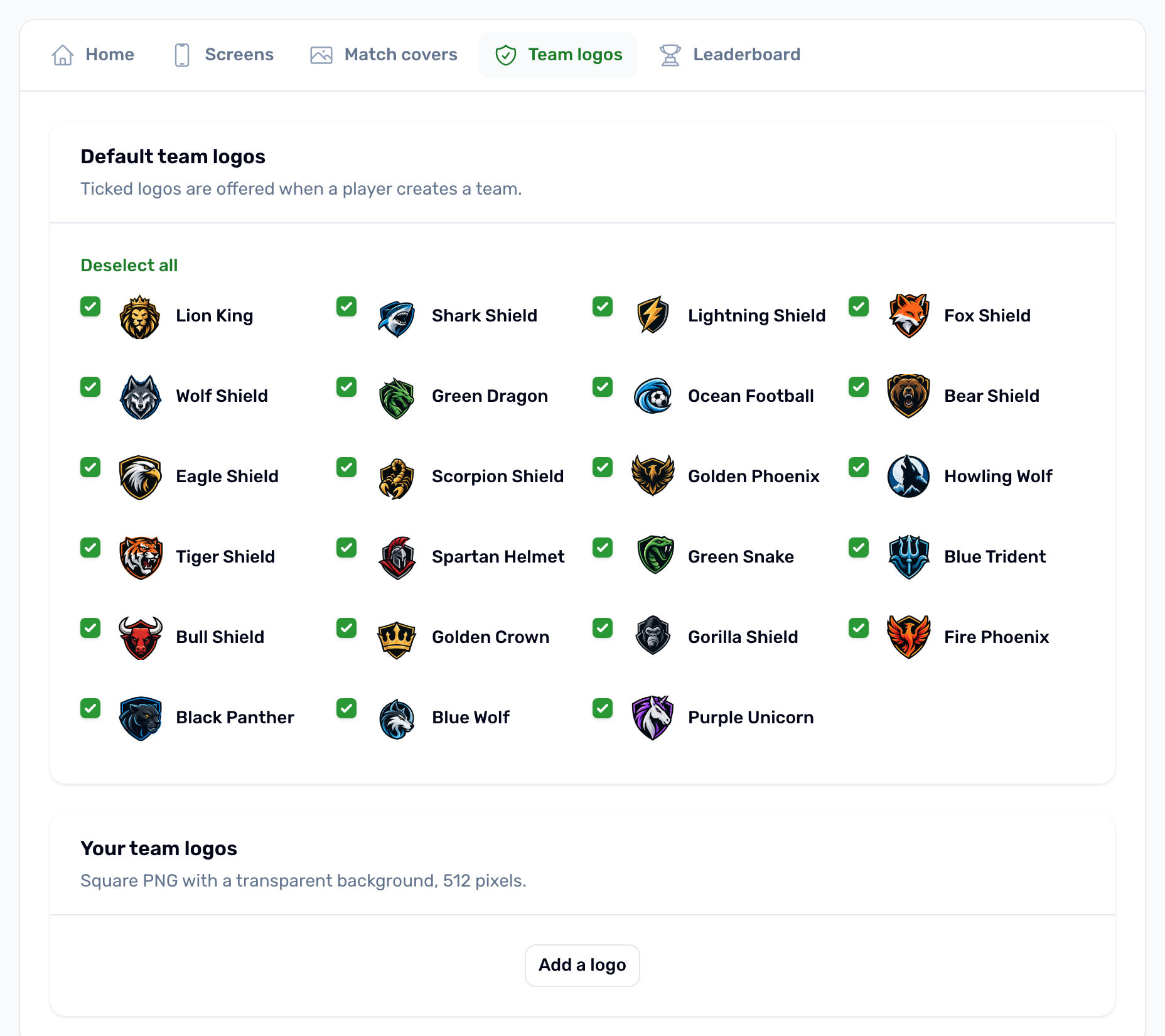
The logos a player can pick when creating a team. Tick the default logos to offer, and add your own under Your team logos, up to 48. Use a square PNG with a transparent background, 512 pixels wide.
Leaderboard#
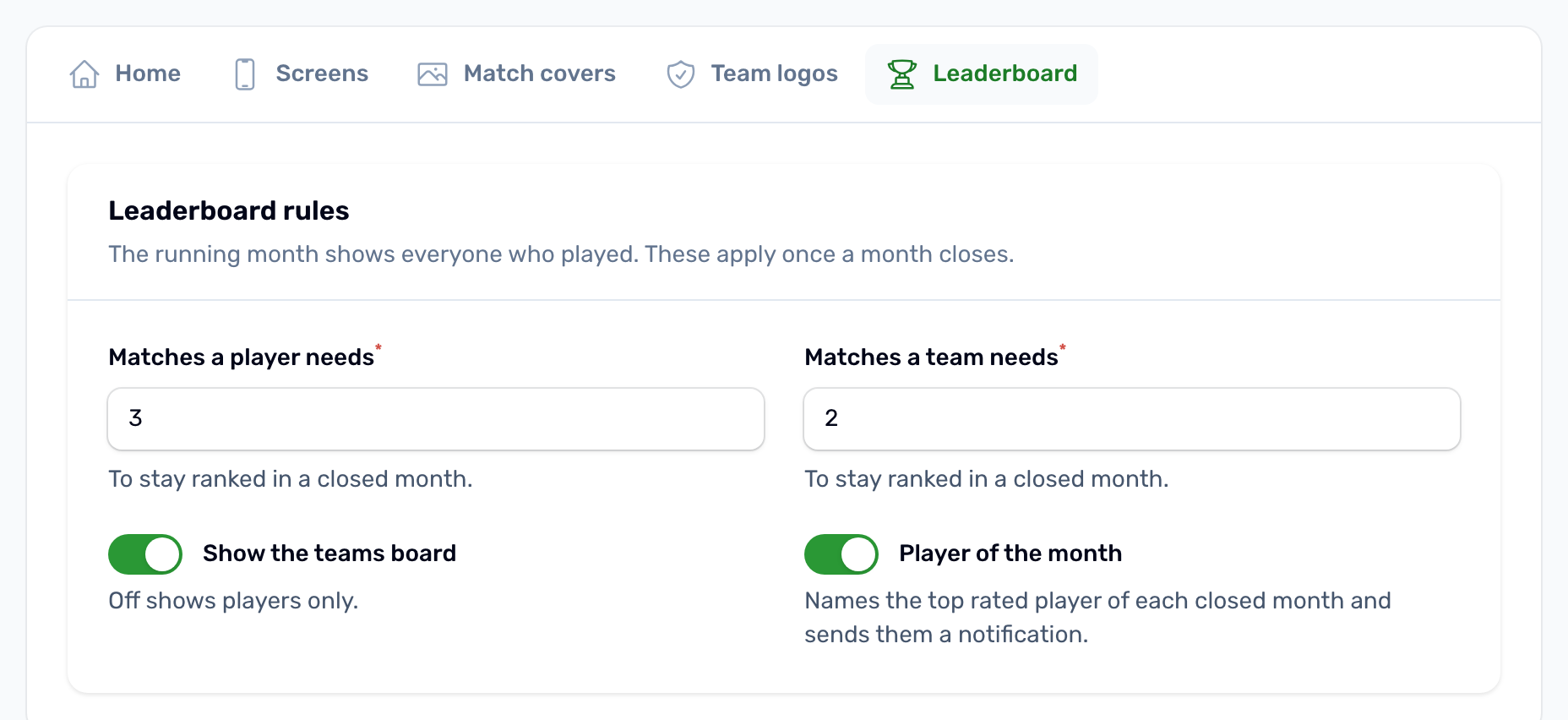
The running month always shows everyone who played. These rules apply once a month closes.
| Setting | Default | What it does |
|---|---|---|
| Matches a player needs | 3 | Players with fewer finalized matches drop out of the closed month's ranking. From 0 to 20. |
| Matches a team needs | 2 | The same rule for teams. From 0 to 20. |
| Show the teams board | On | Off shows players only. |
| Player of the month | On | Names the top rated player of each closed month and sends them a notification. |