Cette page n’est pas encore traduite en français. Vous lisez la version anglaise.
Become an organizer
Apply from the app, see what the club checks, choose your password and sign in to the organizer space.
Organizers run official matches for one club, inside that club's app. You apply with your normal player account, the club reviews you, and once approved you sign in to a separate organizer space with your email and a password you choose.
Apply#
Sign in to the club's app as a player, then open the form from either place:
- the Become an organizer banner on Home, with its Apply now button
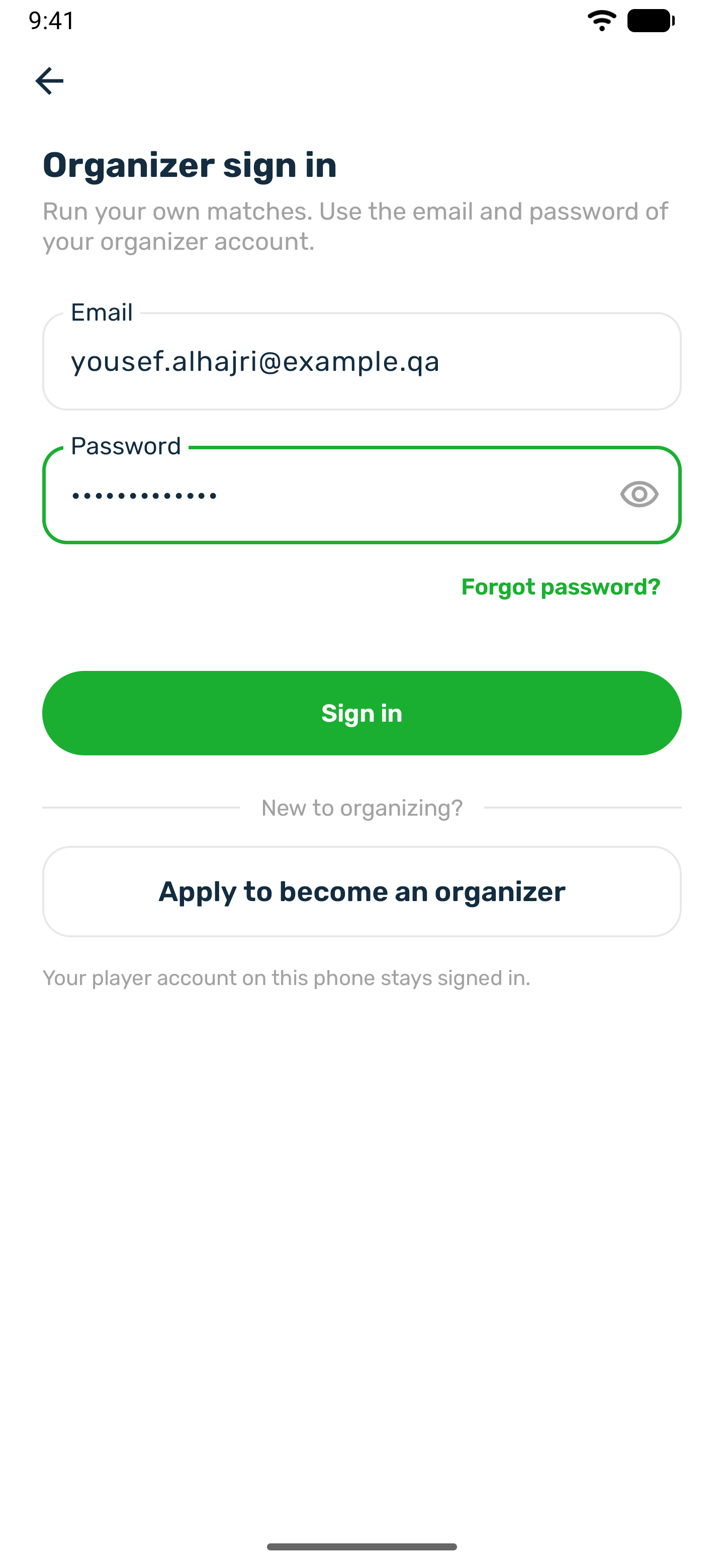
- Official matches, Organizer sign in, then Apply to become an organizer
-
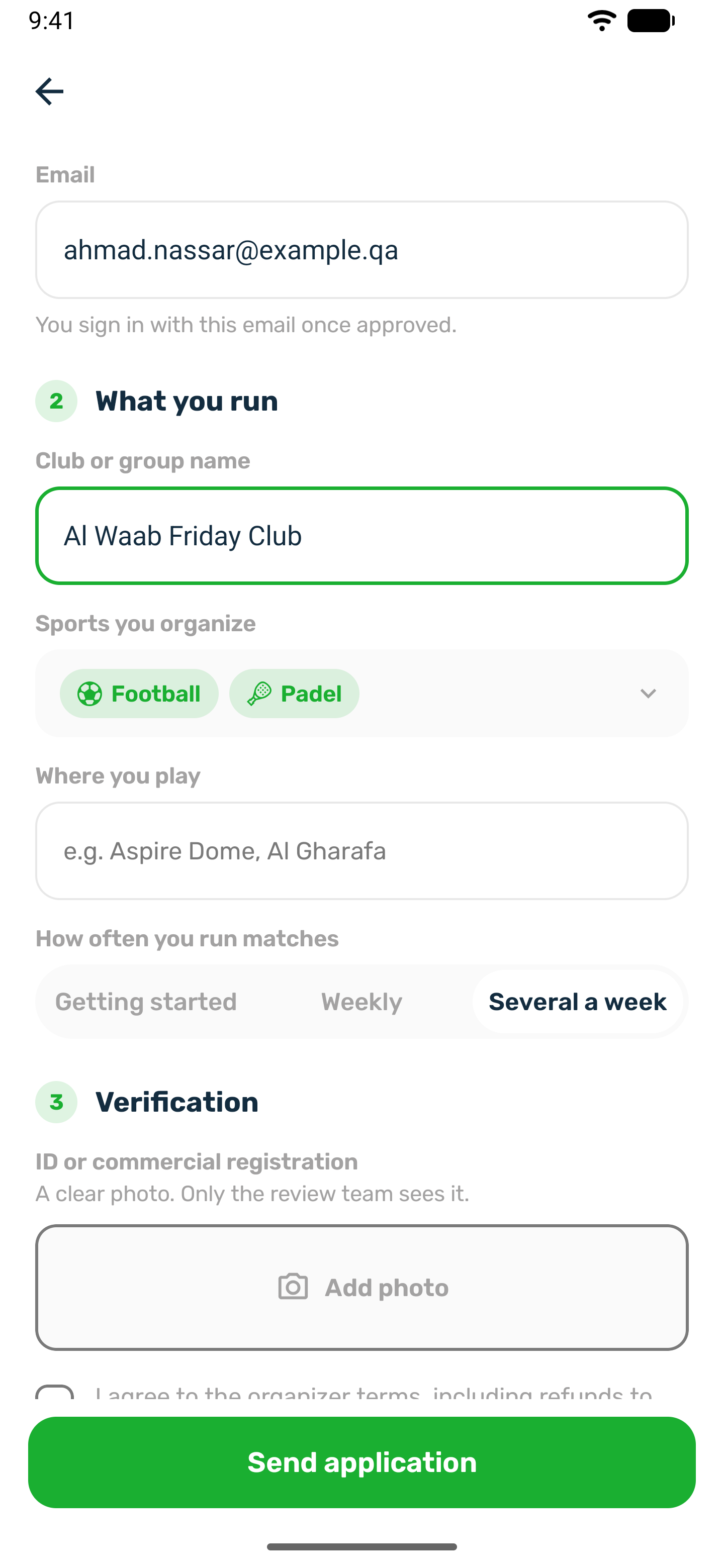
About you
Full name, mobile number with at least 8 digits, and email. You sign in with this email once approved. -
What you run
Your club or group name, the sports you organize, where you play and how often you run matches. You can only pick sports the club offers that can be a match. -
Verification
A clear photo of your ID or commercial registration. A photo or PDF up to 10 MB. Only the review team sees it. Then accept the organizer terms, which include refunds to players when you cancel. -
Send application
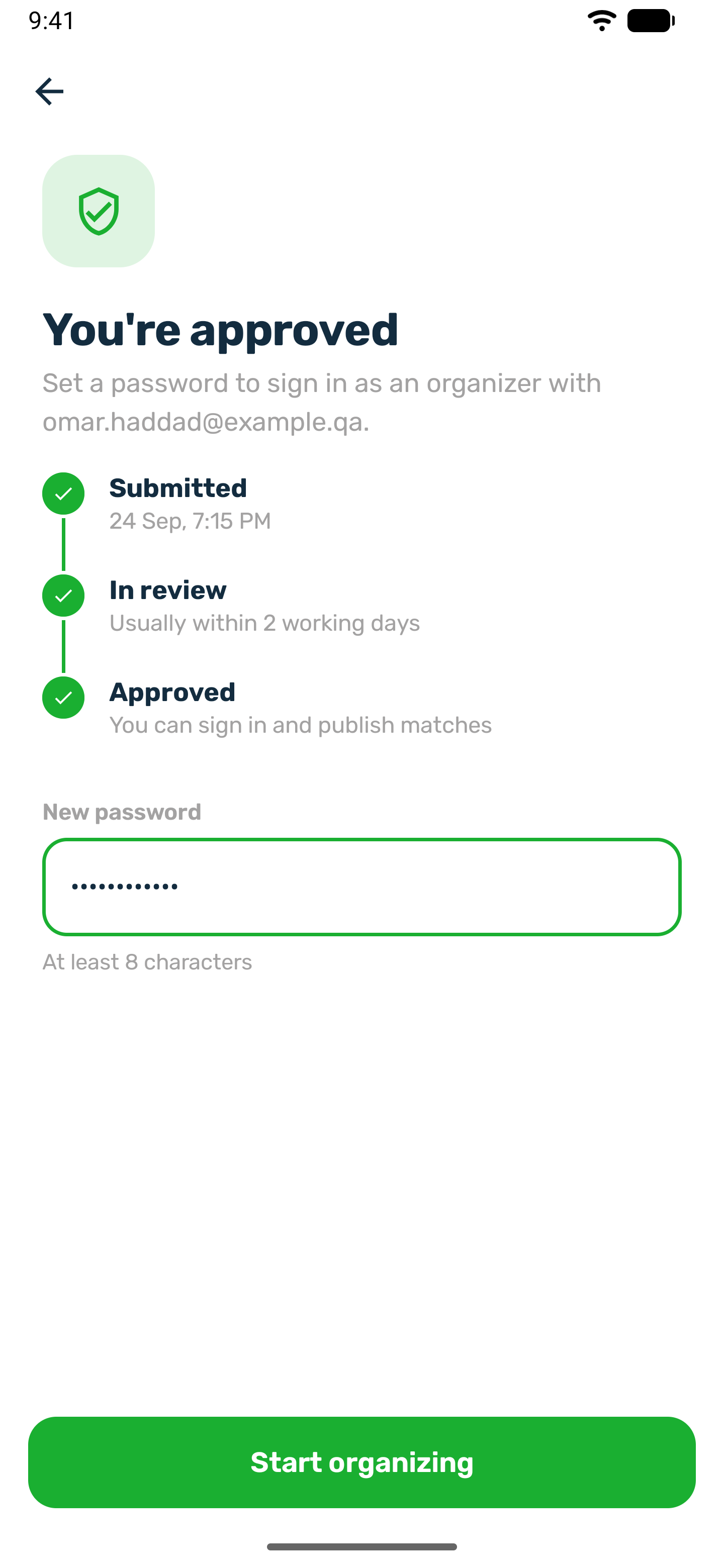
You see Application sent, then a status screen that moves from Submitted to In review to Approved.
What the club checks#
Your application goes to the admins of this club. They look at who you are, what you run and your ID, and then decide. You get a notification for every decision.
| You see | What to do |
|---|---|
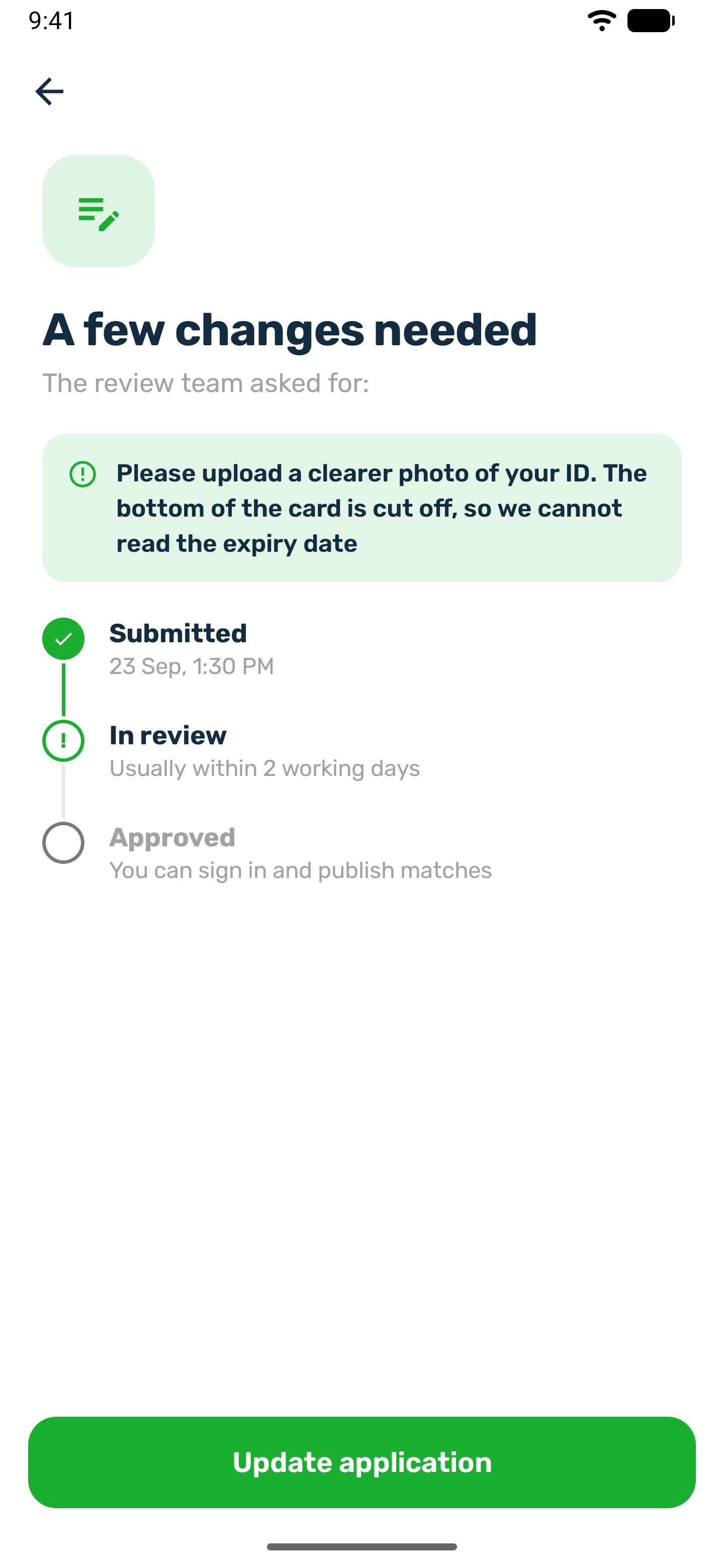
| A few changes needed | Read what the review team asked for, press Update application, fix the form and press Send changes. The ID photo you already sent is kept unless you change it. |
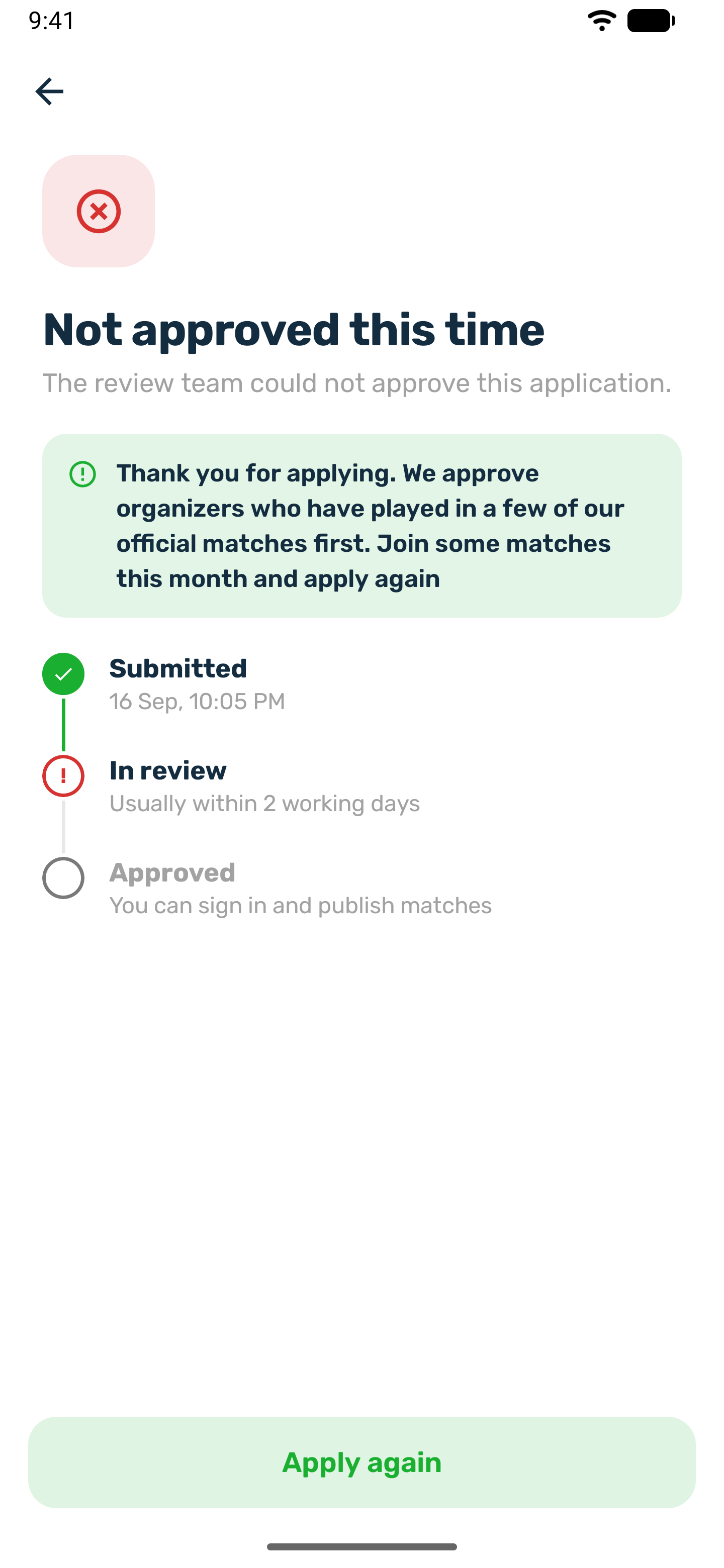
| Not approved this time | The screen shows the reason. You can press Apply again with a new application. |
| You're approved | Choose your password, as below. |
You can have only one application in review or approved at a time.
Choose your password#
You have two ways. Use whichever comes first.
- In the app. The approved screen asks for a New password of at least 8 characters. Press Start organizing and you are signed straight in. This works once, only in the app of the club that approved you, and only while no password is set.
- By email. The club's approval sends you an email that reads Choose your organizer password, with a link. The link is valid for 60 minutes. Nobody ever sends you a password.
Sign in and out#
- Open Official matches and tap Organizer sign in.
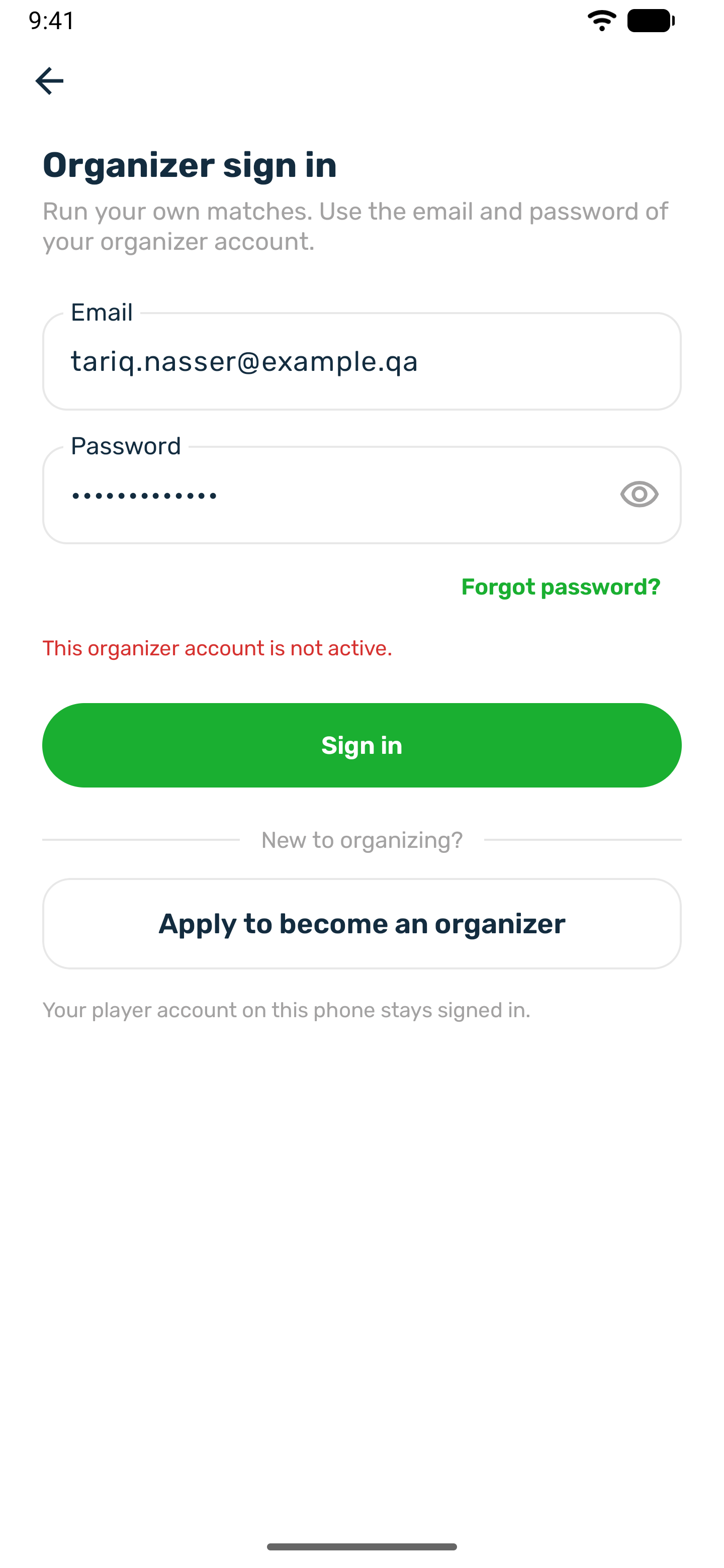
- Enter the email from your application and your password, then tap Sign in.
- You land on My matches, with Upcoming, Drafts and Past.
Your player account on this phone stays signed in. To leave the organizer space, use Sign out. It signs you out of the organizer space only.
Forgot your password#
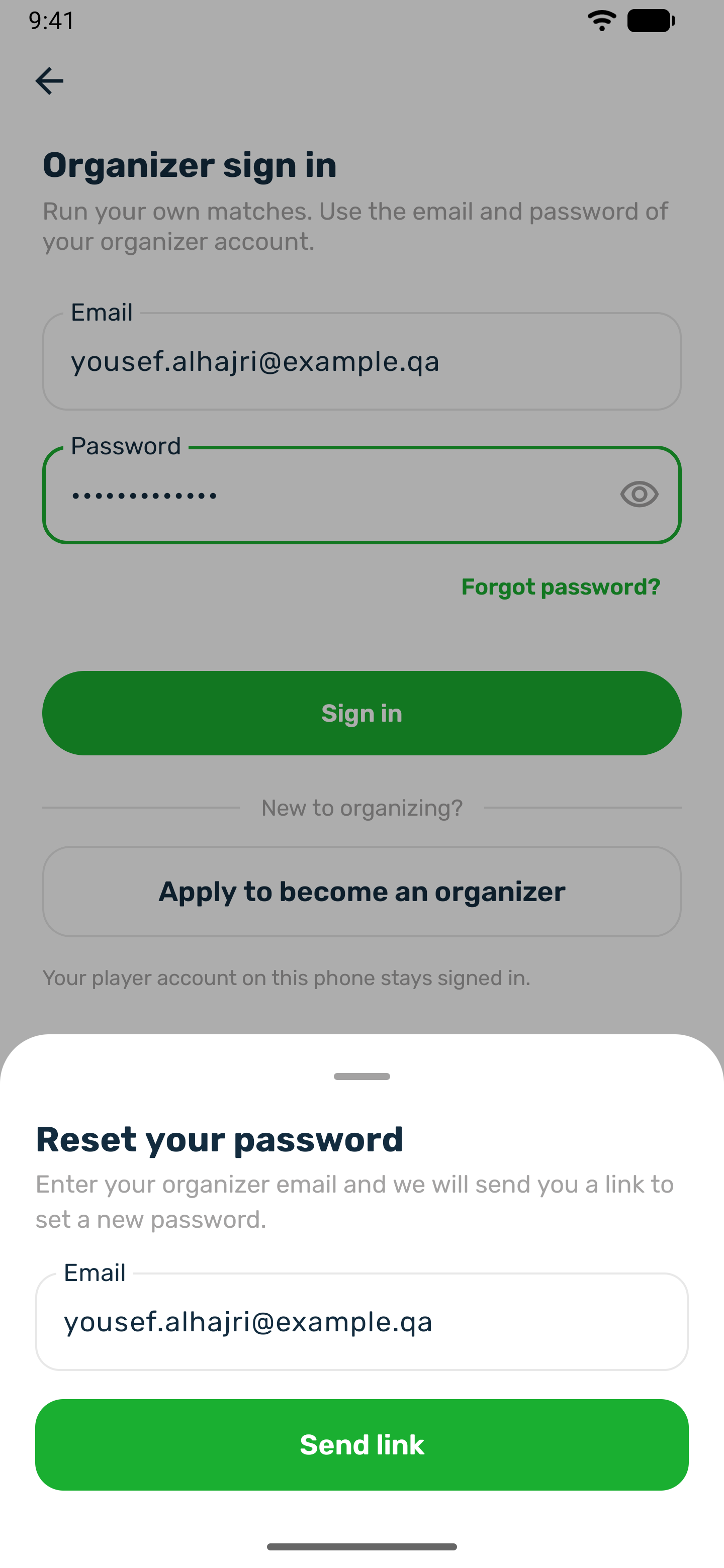
On the organizer sign in, use Forgot password and enter the email of your organizer account. If it is an organizer account of this club, you get an email with a link to choose a new password. The link is valid for 60 minutes and signs you out of the organizer space on your other devices once you use it. The app gives the same answer whatever email you type, so nobody can use it to find out who organizes here. The club can also send you a link from its portal.