

Cette page n’est pas encore traduite en français. Vous lisez la version anglaise.
Venues
Save the places you run matches with photos and sports, and understand how a club court differs from your own venue.
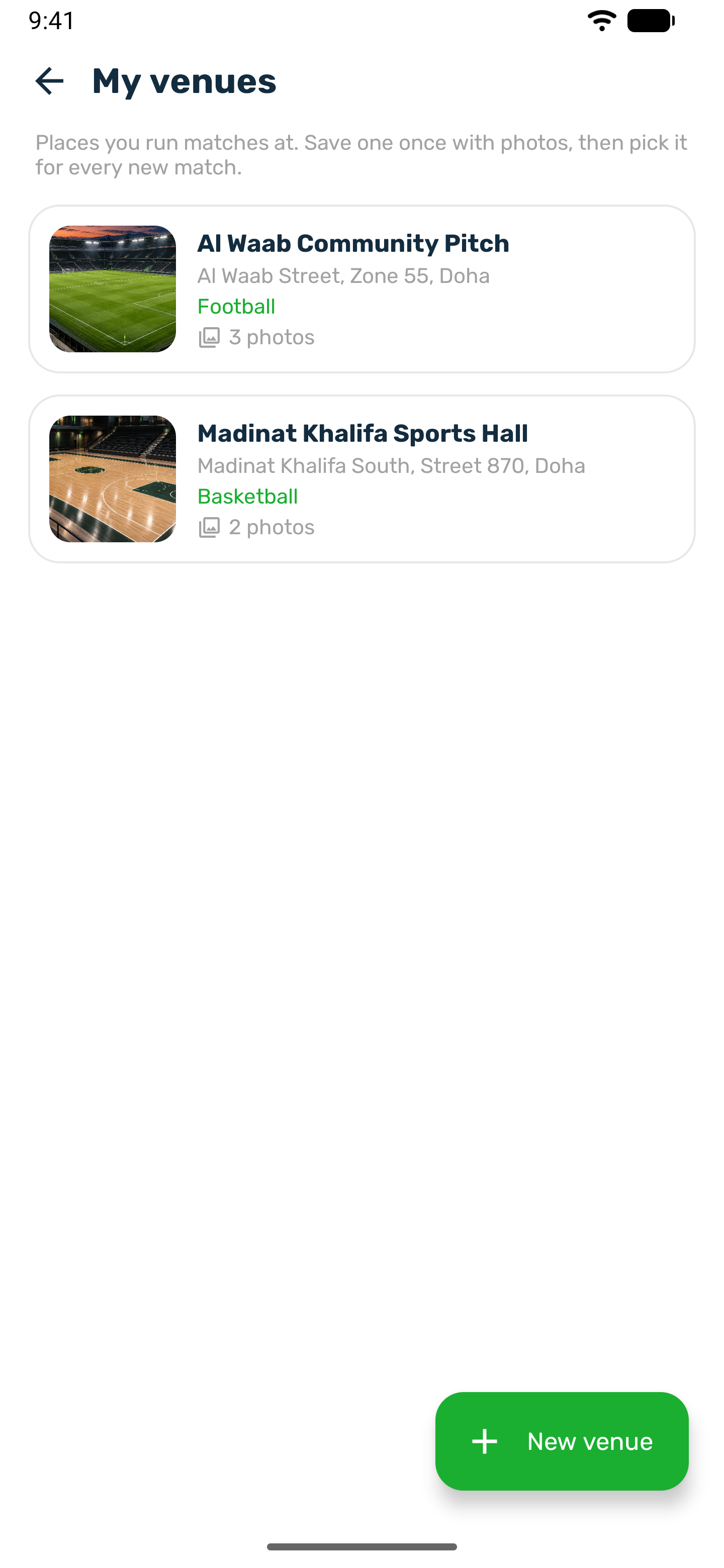
Every match is played somewhere. In the organizer space you save each place once under My venues, with its photos, and then pick it for every new match. Players see the venue name, address and photos on the match page.
Add a venue#
Open My venues from your organizer home, or tap New venue while creating a match.
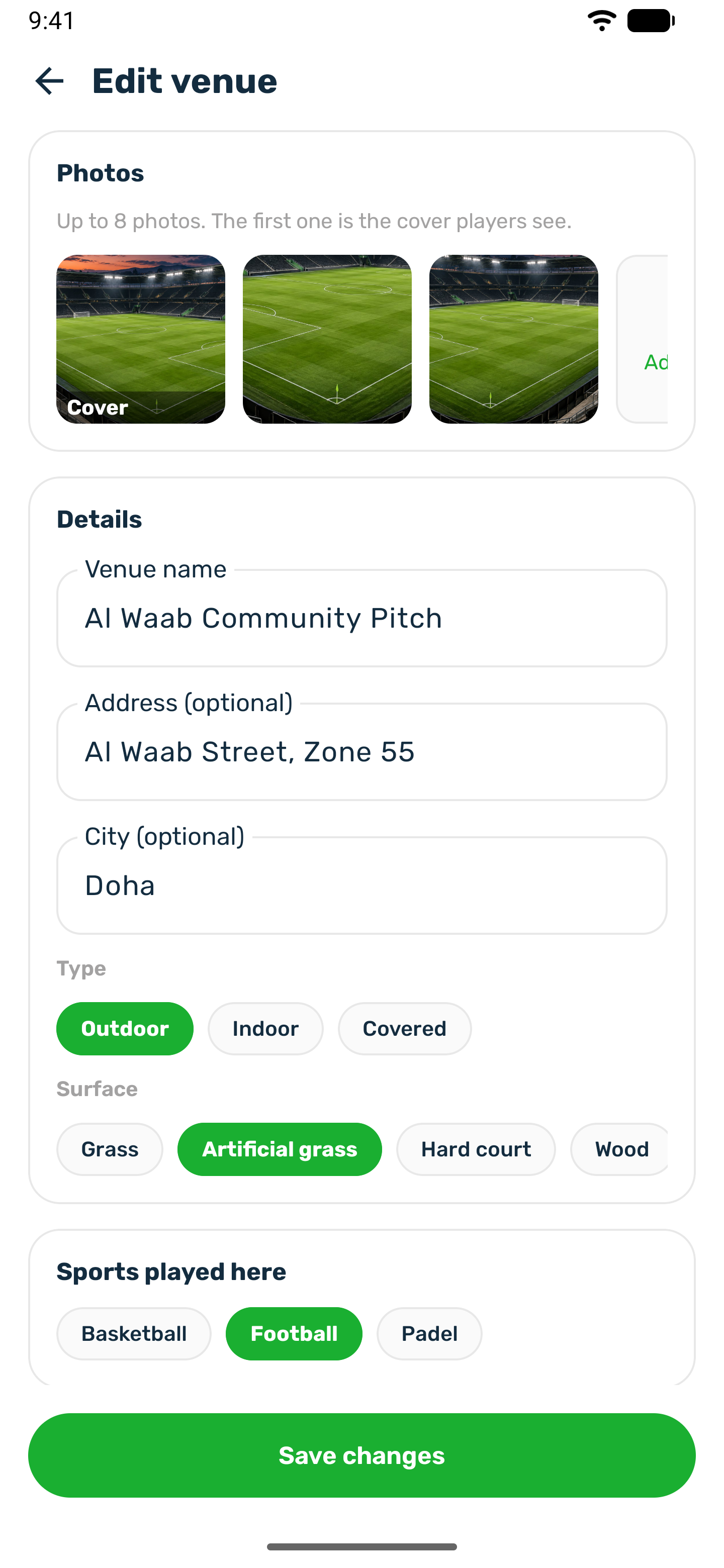
| Field | Notes |
|---|---|
| Venue name | Required. |
| Address and City | Optional. Shown to players. |
| Type | Outdoor, Indoor or Covered. |
| Surface | Grass, Artificial grass, Hard court, Wood, Sand or Clay. |
| Sports played here | At least one. Only the club's sports that can be a match. |
| Photos | Up to 8. The first one is the cover players see. Open a photo and use Make cover to change it. You can save a venue without photos, but you need at least one before you can publish a match here. |
Press Add venue. If some photos fail to upload, the venue is still saved. Add those photos again.
A sport that is not listed#
You can only pick sports the club offers. If yours is missing, tap Request a sport at the end of the sport list, type the sport's name, add a note for the club if you like, and send it. The same place shows your earlier requests and their answers.
- The club's admins get an email and answer in their portal.
- You get a notification when they answer, with their note if they wrote one.
- An approved request means the club adds the sport to its own list. Once it is there, you can pick it for your venues and matches.
Archive or delete#
- Archived hides the venue when you create a new match. Its past matches stay. Turn it off again to bring the venue back into your list. You cannot schedule a match at an archived venue.
- Delete venue removes it and its photos. A venue with matches still to come can only be archived.
Your own venue or a club court#
A match can be played at one of your venues or on one of the club's own courts. The two work differently.
| Your venue | Club court | |
|---|---|---|
| Who owns it | Not the club. A pitch you use elsewhere. | The club. |
| Booking | None. Nothing to reserve. | Publishing the match books the court for the match's time and duration, so nobody else can book it. Cancelling the match, or moving its time, frees the slot. |
| In the app | Pick it under My venue in the match editor. | Pick it under Club court in the match editor, with a free time on the day you want. |