

Esta página aún no está traducida al español, así que estás leyendo la versión en inglés.
Turn on tournaments
Switch the service on in Project settings and see what changes in the portal and in the app.
Tournaments is a service like Courts or Official matches. It reaches your app only when your plan includes it and your club switches it on in Settings, Project settings.
-
Open Project settings
In the portal sidebar, open Settings, then Project settings. -
Go to Services
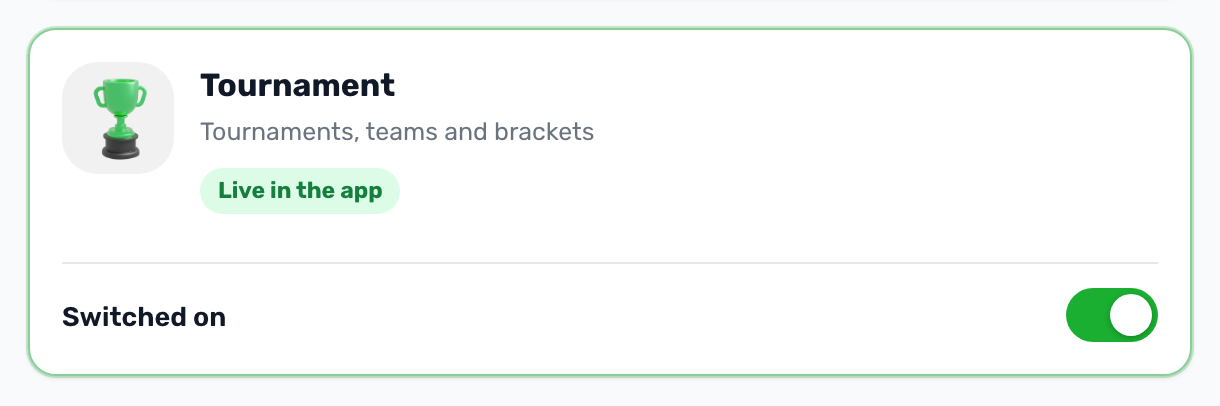
Find the Tournament card, described as tournaments, teams and brackets. -
Turn the switch on
If the card says it is not in your plan, the switch is locked. Contact support to add the service. -
Save settings
Save. If the portal asks for your PIN, enter it.
What changes when it is on#
- In the portal a Tournament Management group appears in the sidebar with Tournaments and Teams. Sponsors, which you attach to tournaments, are always under Promotions.
- In the app players see a Tournaments card on Home when your club offers several services. When tournaments is the only service, Home shows the upcoming tournaments directly.
When it is off#
The app receives no tournament data at all and the Tournament Management group leaves the sidebar. Tournaments you already made are kept and come back when you switch the service on again.