

Esta página aún no está traducida al español, así que estás leyendo la versión en inglés.
Dates, places and courts
The registration and play dates, daily hours, how many can enter, the courts you use and blocking them from bookings.
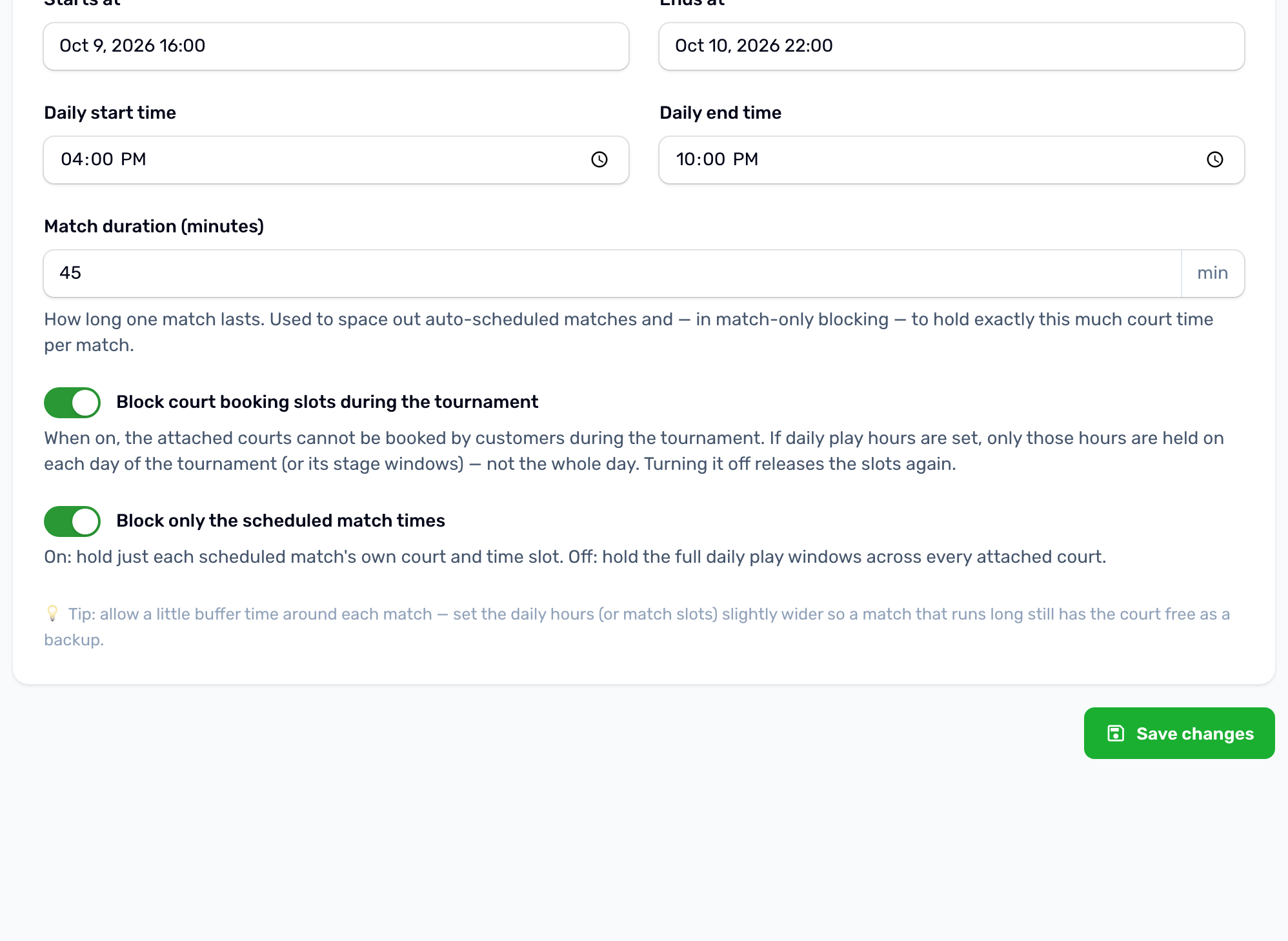
Dates#
| Field | What it does |
|---|---|
| Registration starts at | For your planning. Registration opens when you move the tournament to Registration Open. |
| Registration ends at | No registration is taken after it, and the tournament moves to Registration Closed by itself. It is also the last moment a player can withdraw or leave a team. |
| Starts at | The tournament moves from Scheduled to In Progress by itself at this time. Team rosters can no longer change after it. |
| Ends at | After it the tournament completes by itself once no match is waiting or being played. |
| Daily start time and Daily end time | The hours played each day. Used to lay out the matches and to block the courts. |
| Match duration | The length of one match, 60 minutes unless you change it. Used to space the matches. |
How many can enter#
- Maximum participants is the number of places: players in an individual tournament, teams in a team tournament. Pending registrations waiting for payment hold a place too.
- Minimum participants is how many confirmed participants you need before the tournament can move to Scheduled.
- Categories can have their own places, see Categories.
There is no waiting list for tournaments. When every place is taken the app shows Fully booked and nobody else can register. A place comes free again when a registration is withdrawn or cancelled.
Courts#
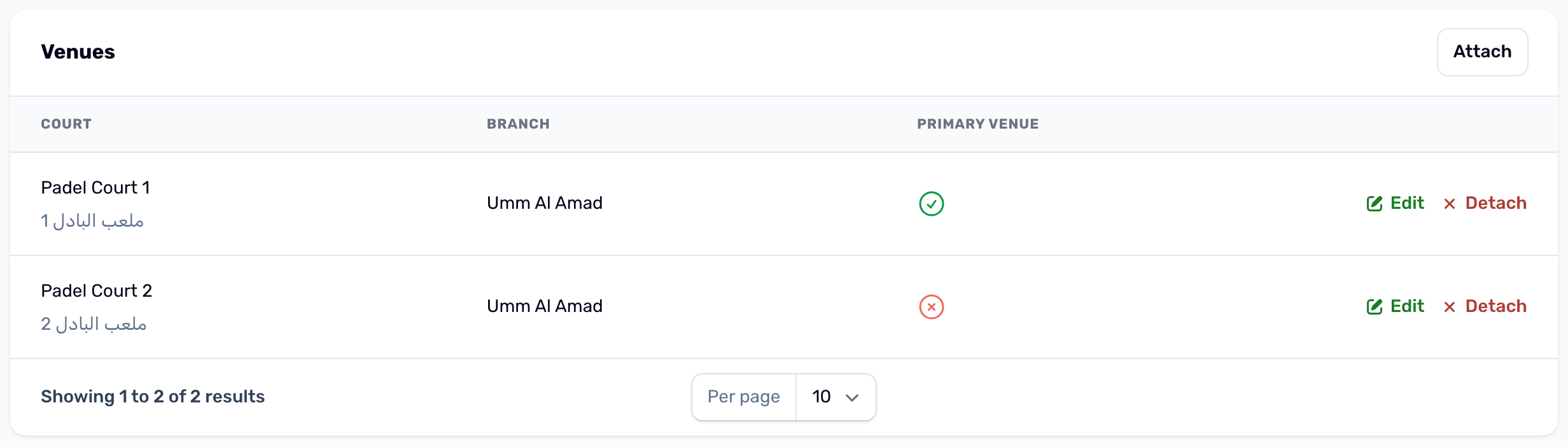
The Venues tab lists the courts the tournament uses. Attach courts from any branch. One of them is the Primary venue: automatic scheduling puts every match on that court.
Blocking the courts from bookings#
Block court booking slots during the tournament is on for a new tournament. While the tournament is taking registrations, scheduled or in progress, players cannot book its courts at the times the tournament holds:
- With Block only the scheduled match times off, the whole daily hours on every attached court, on each day of the tournament or of its stages.
- With it on, only each scheduled match's own court and time.
Without daily hours the whole day is held. Turning blocking off, cancelling the tournament or deleting it releases the courts again. The field's help text shows what is being held right now.
Stages#
The Stages tab holds the timeline players see, for example Early rounds on the first day and Semi finals and final on the second. Each stage has a name, an order, a start and an end. When a tournament has stages, court blocking uses the stage times.