Esta página aún no está traducida al español, así que estás leyendo la versión en inglés.
Entry pass, matches and results
Your entry pass and check in, reminders before the start, live matches and the final results.
My registration#
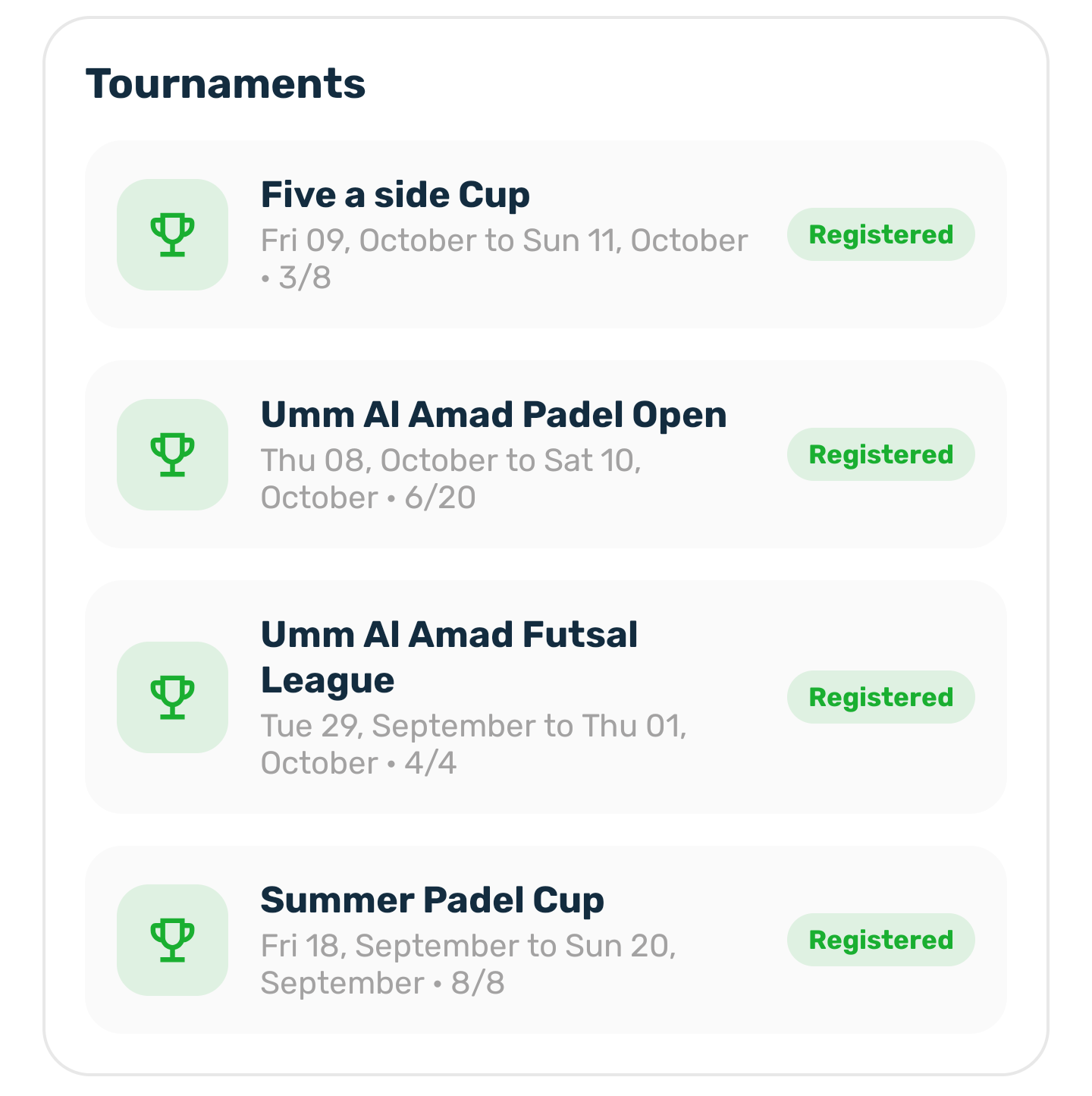
When you are registered, the tournament page shows View pass and team. It opens My registration with your entry pass, your team and your payment. The Tournaments card in your Profile opens the same sheet.
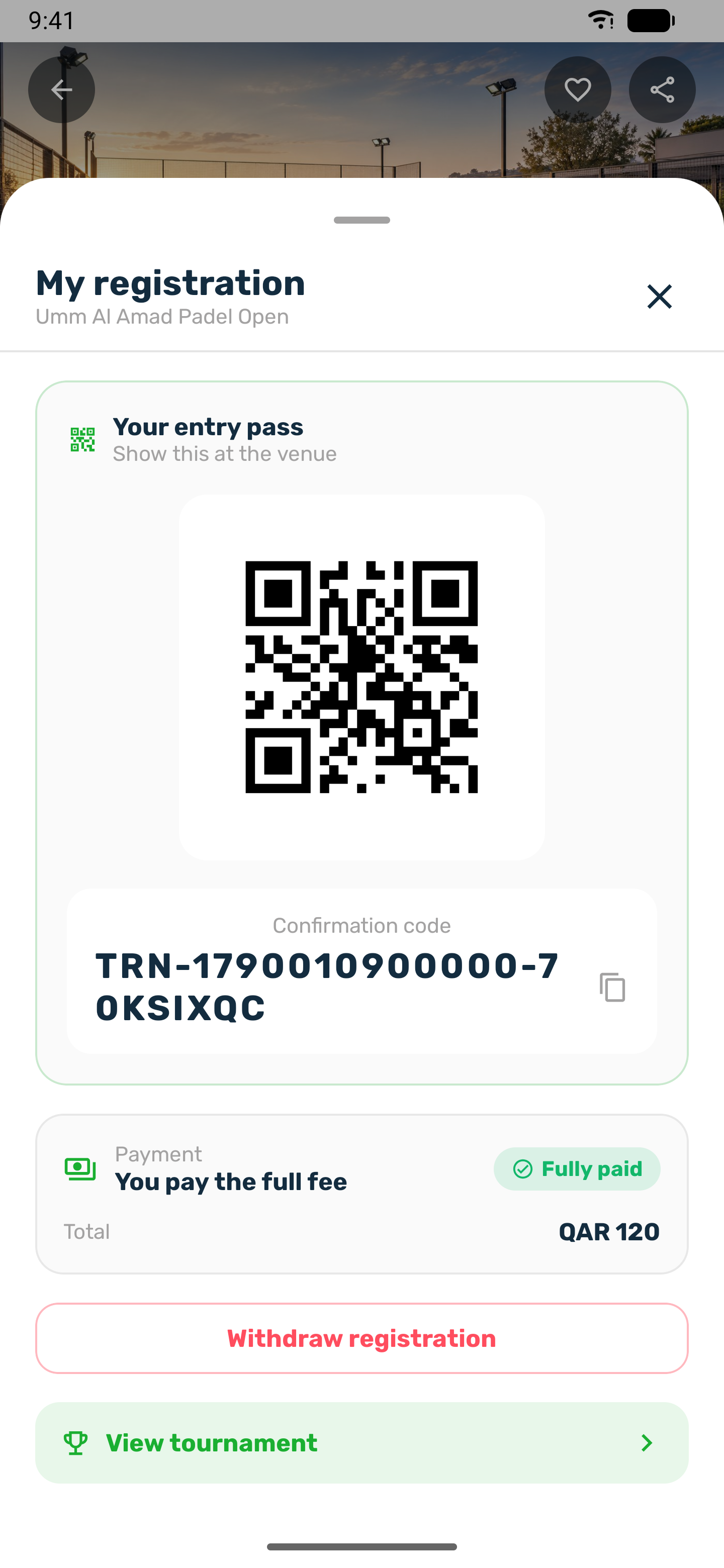
- Your entry pass shows a QR code of your confirmation code. Show it at the venue. Staff scan it or type the code, and the pass then says Checked in.
- Every player of a registered team sees the same pass.
- The pass shows once nothing is left to pay. Until then, pay with Pay to confirm at the bottom of the tournament page, or with Pay my share in a team that splits the fee.
Reminders#
A confirmed registration gets a Tournament reminder about 24 hours, 6 hours and 1 hour before the start. In a team it goes to the captain and to the players who paid a share. For example: Umm Al Amad Padel Open starts in 1 hour at 4:00 PM.
Live matches#
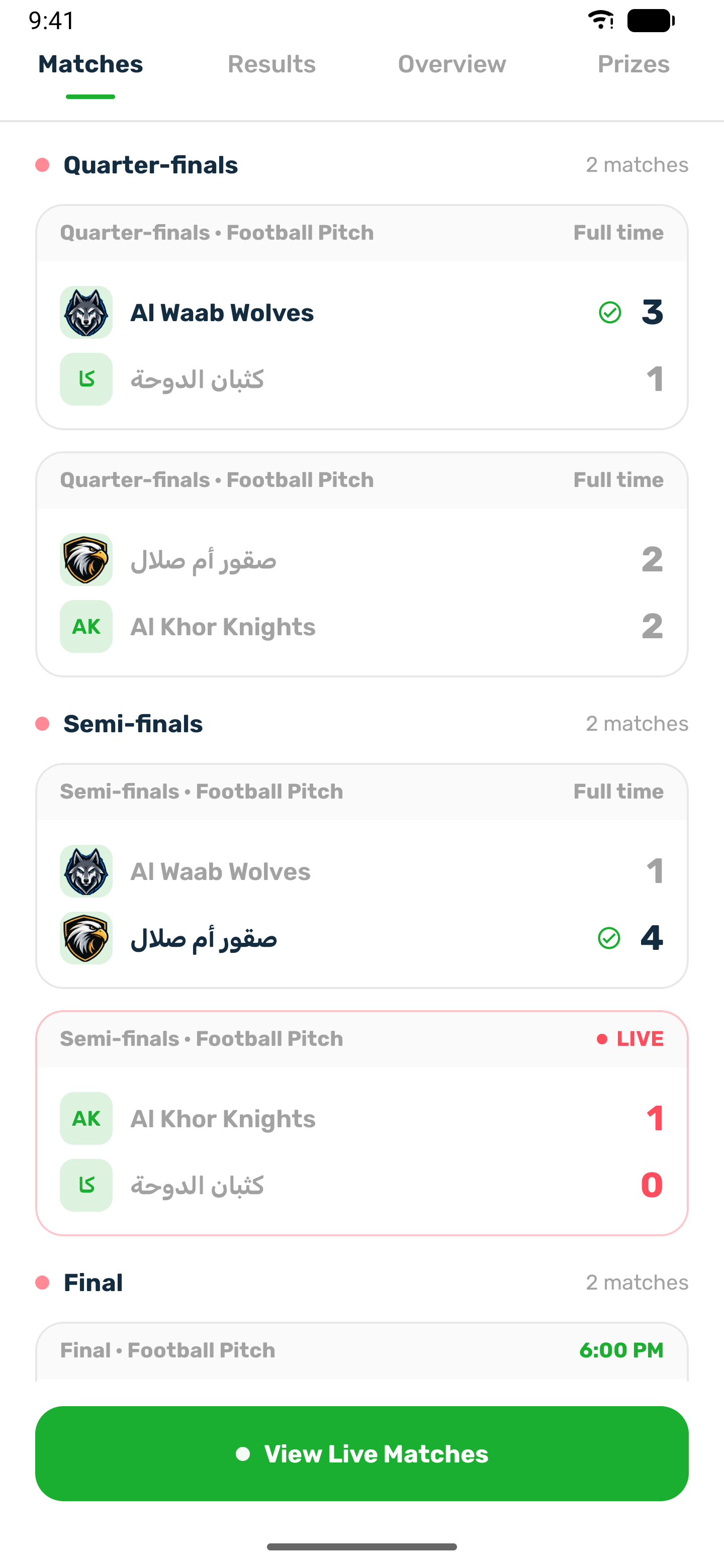
Once the tournament is live, the Matches tab shows the matches by round, such as Quarter finals, Semi finals and Final, each with its court and time. A live match is marked LIVE with the current score, and the tab refreshes every 20 seconds.
Results#
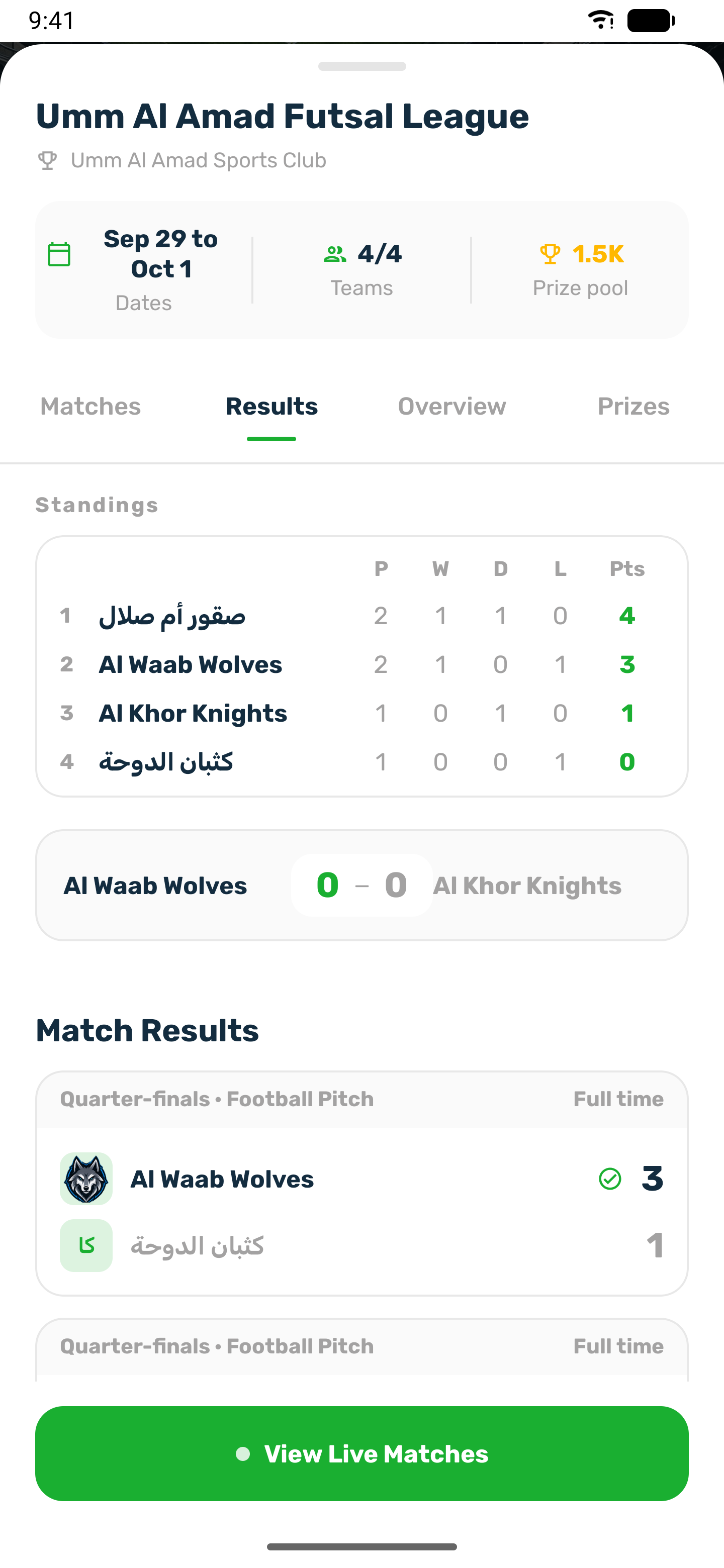
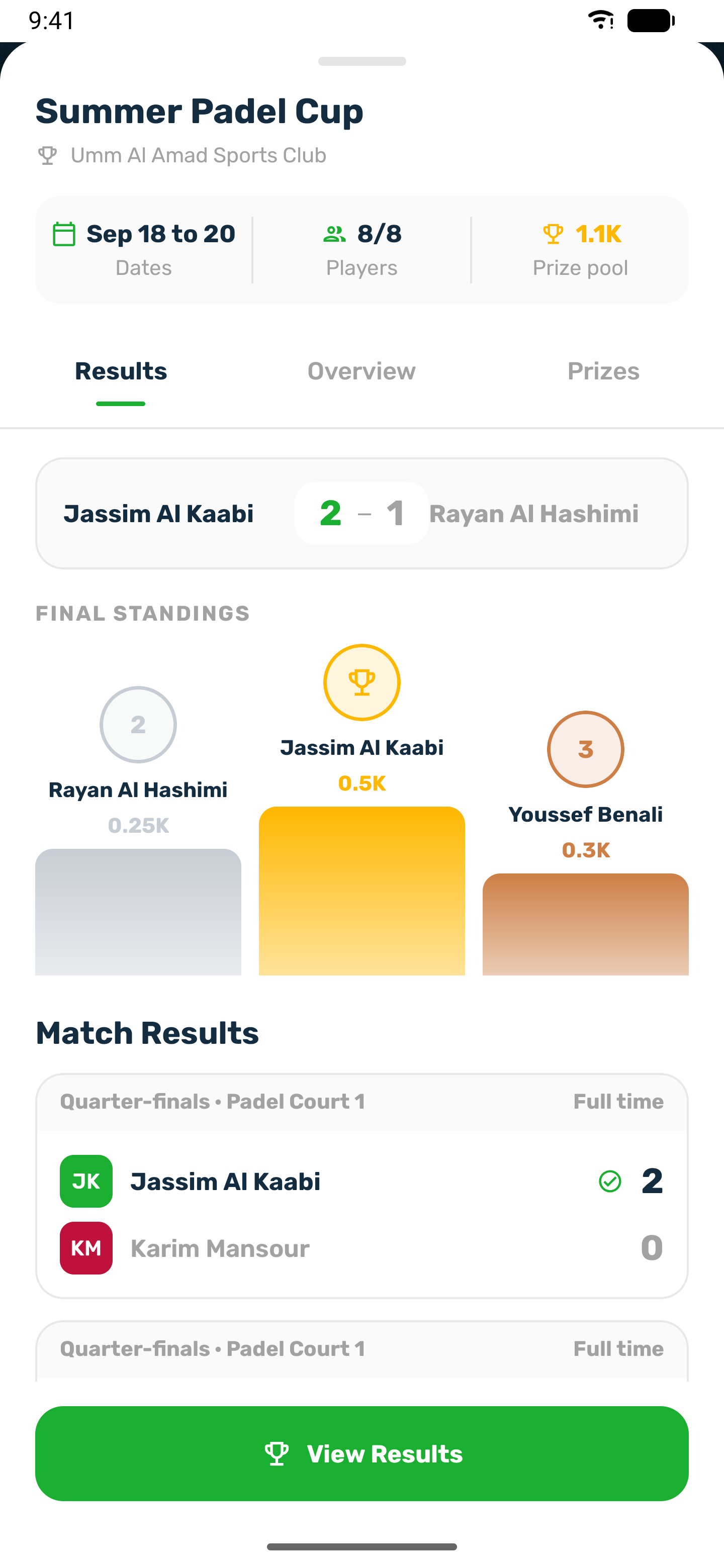
The Results tab shows, for a league or group tournament, the Standings table: played, won, drawn, lost and points. When the tournament ends it adds the final score, the podium with the prize of each place, and all the match results.