Cette page n’est pas encore traduite en français. Vous lisez la version anglaise.
Your pass
Find your memberships in your profile, open the pass with its QR code and short code, and see who else it covers.
Your memberships are in Profile, under My Memberships. With more than one, swipe between them or tap Show all.
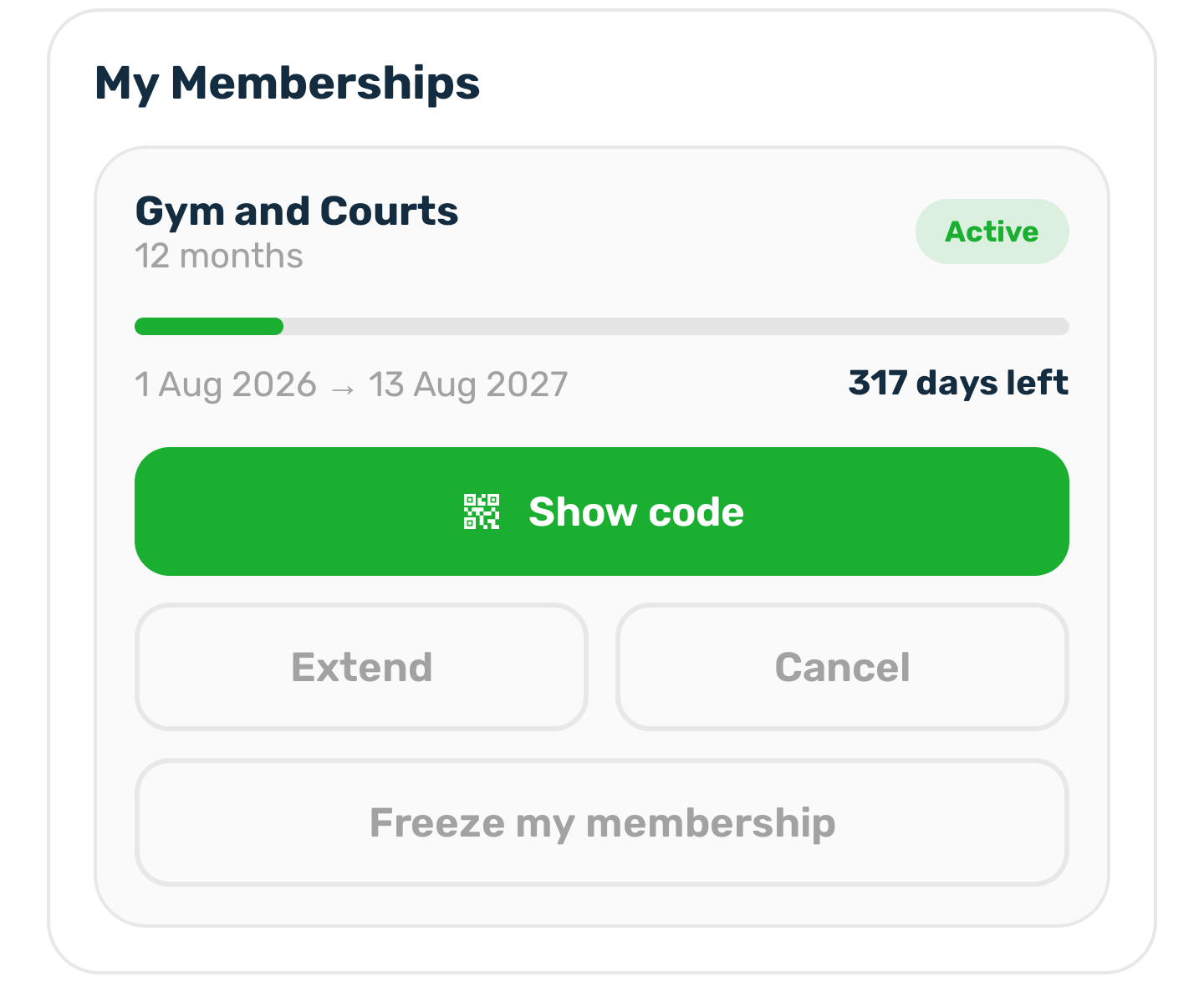
An active membership shows the plan, the length, a bar from the start date to the end date and the days left. Under it are Show code, Extend, Cancel and, when the plan allows it, Freeze my membership.
Show it at the door#
Tap Show code. Staff scan the QR code, or you read out the short code under it. Tap Copy to copy the short code.
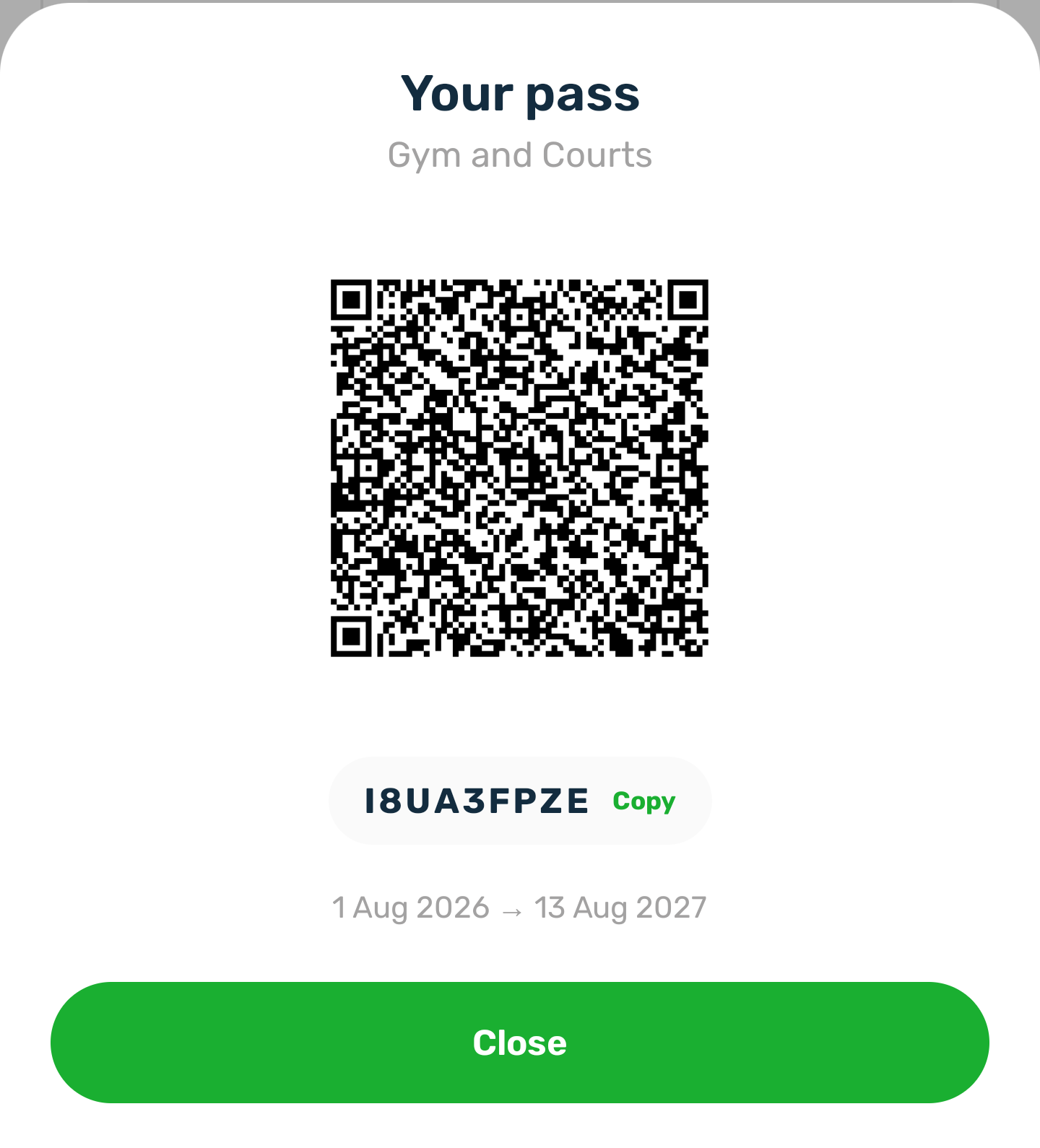
The QR code is signed by the server, so a code copied from someone else's screen does not work. It disappears while the membership is frozen.
Couple and family memberships#
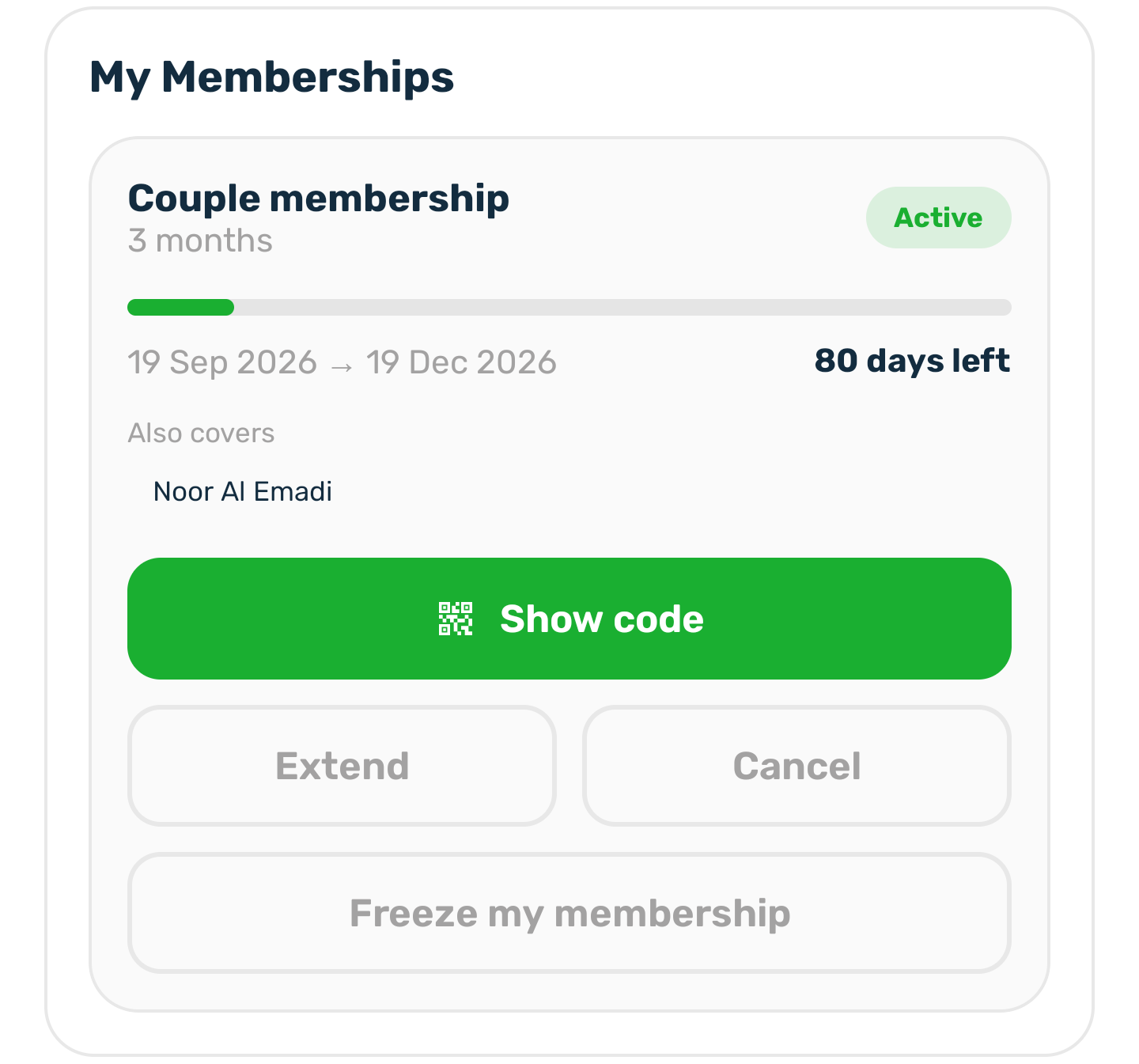
When the club has added the other people your membership covers, their names show under Also covers. Each of them has their own pass: tap Show code, then tap a name to show that person's QR code and short code.
When it has ended#
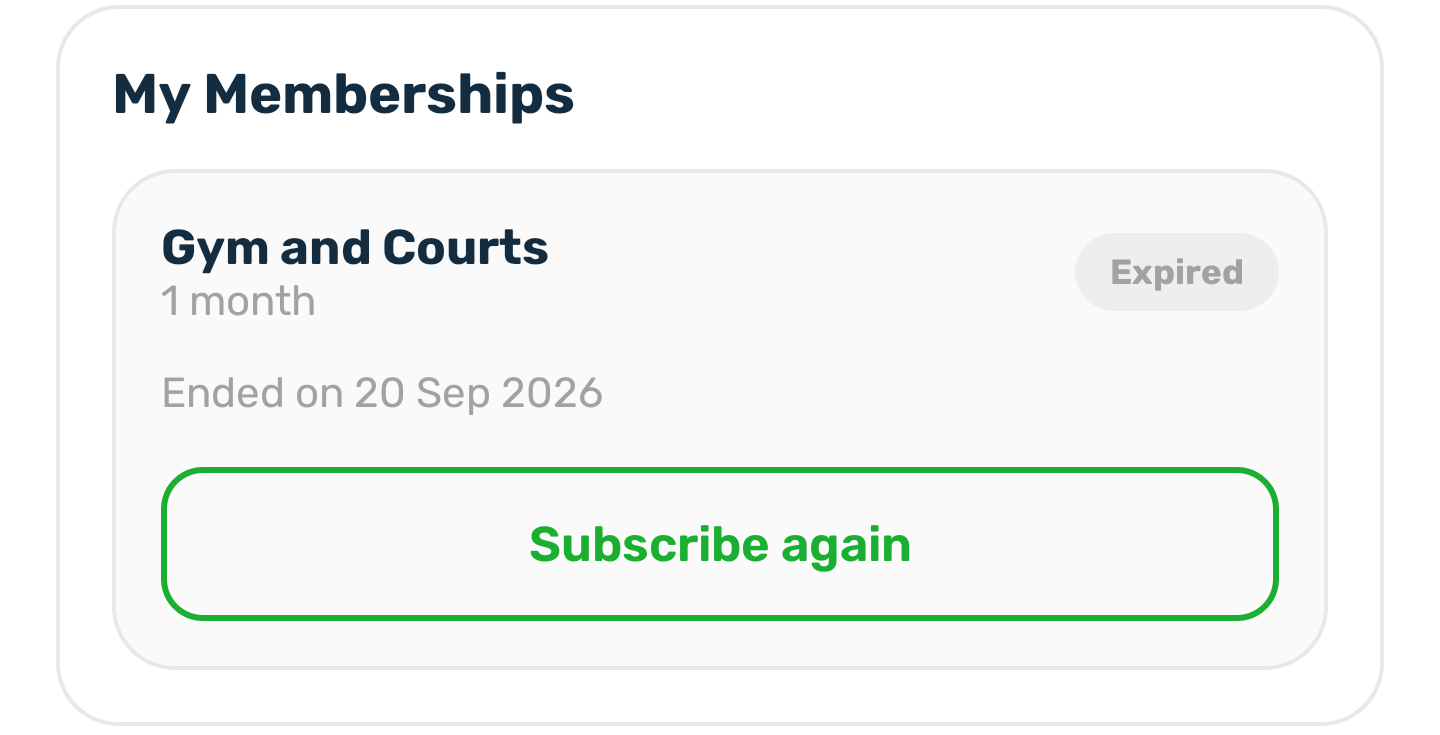
An expired or cancelled membership shows the date it ended and Subscribe again, which opens the club's page.