

Cette page n’est pas encore traduite en français. Vous lisez la version anglaise.
Family and couple members
Name the other people a couple or family membership covers. Each of them gets their own pass code.
A couple or family membership is bought by one person. Your staff name the others at the desk, so the door knows who they are. The people you add do not need an account.
-
Open the member
In the Members tab of the plan or of the venue, find the buyer. -
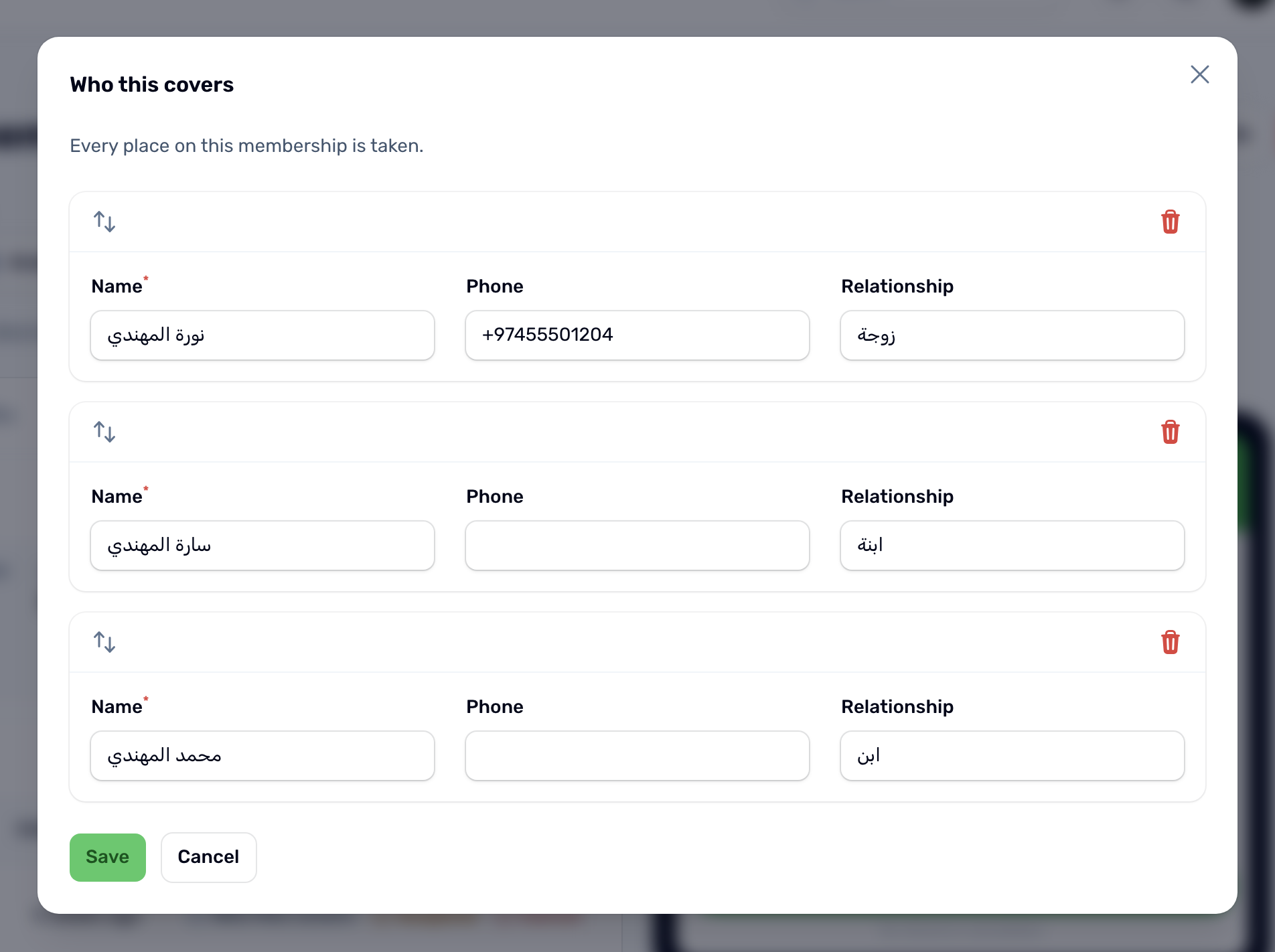
Who this covers
Click Who this covers at the end of the row. It only shows on plans that cover more than one person. -
Add people
Click Add someone and fill the name, and if you like the phone and the relationship. The line at the top says how many places are left. You cannot add more people than the plan covers, the buyer included. -
Save
Click Save.
- Each person gets their own code. When it is scanned at the door, the log shows that person's name and On the roster.
- The buyer sees the names under Also covers on their membership in the app.
- Changing a phone number or relationship keeps the person's code. Removing a name from the list removes that person and their code.