

Esta página aún no está traducida al español, así que estás leyendo la versión en inglés.
Manage the roster
See who owes what, record cash, give a place to someone on the waiting list and remove a player.
Players join, pay and leave by themselves, and the waiting list moves up on its own. The roster is where you step in: to settle cash, bend the queue or take someone out.
Read the roster#
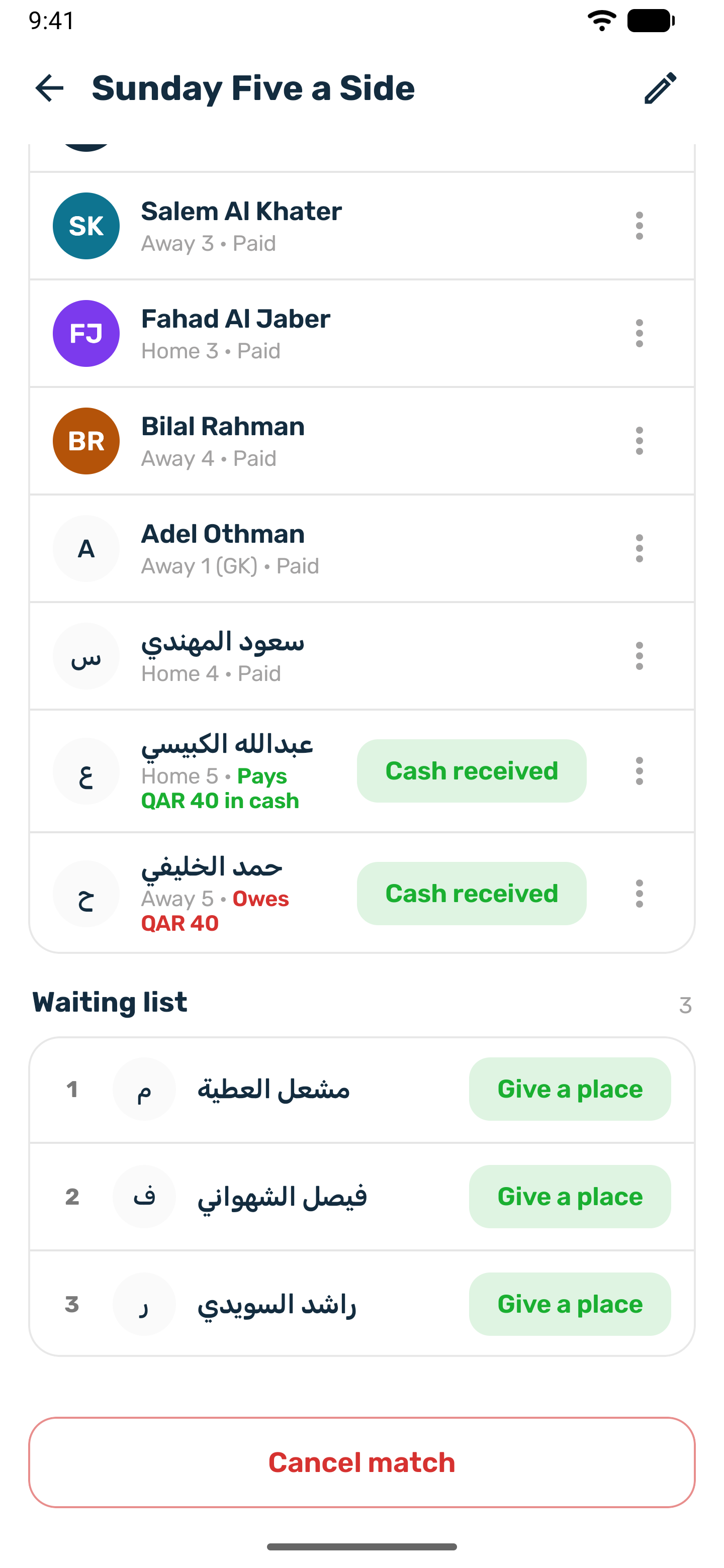
Open a match from My matches. The top shows Players, Waiting and Collected. Below are Players and the Waiting list, each player with their spot and payment state.
| Label | Meaning |
|---|---|
| Paid | Paid in full, in the app or in cash. |
| Owes an amount | Holding a place or a spot on the waiting list and still has to pay. |
| Pays an amount in cash | Chose to pay you at the venue. Their place has no time limit. |
| Paid by a friend | The player who invited them pays for their place. |
| Free | A free match. Nothing to collect. |
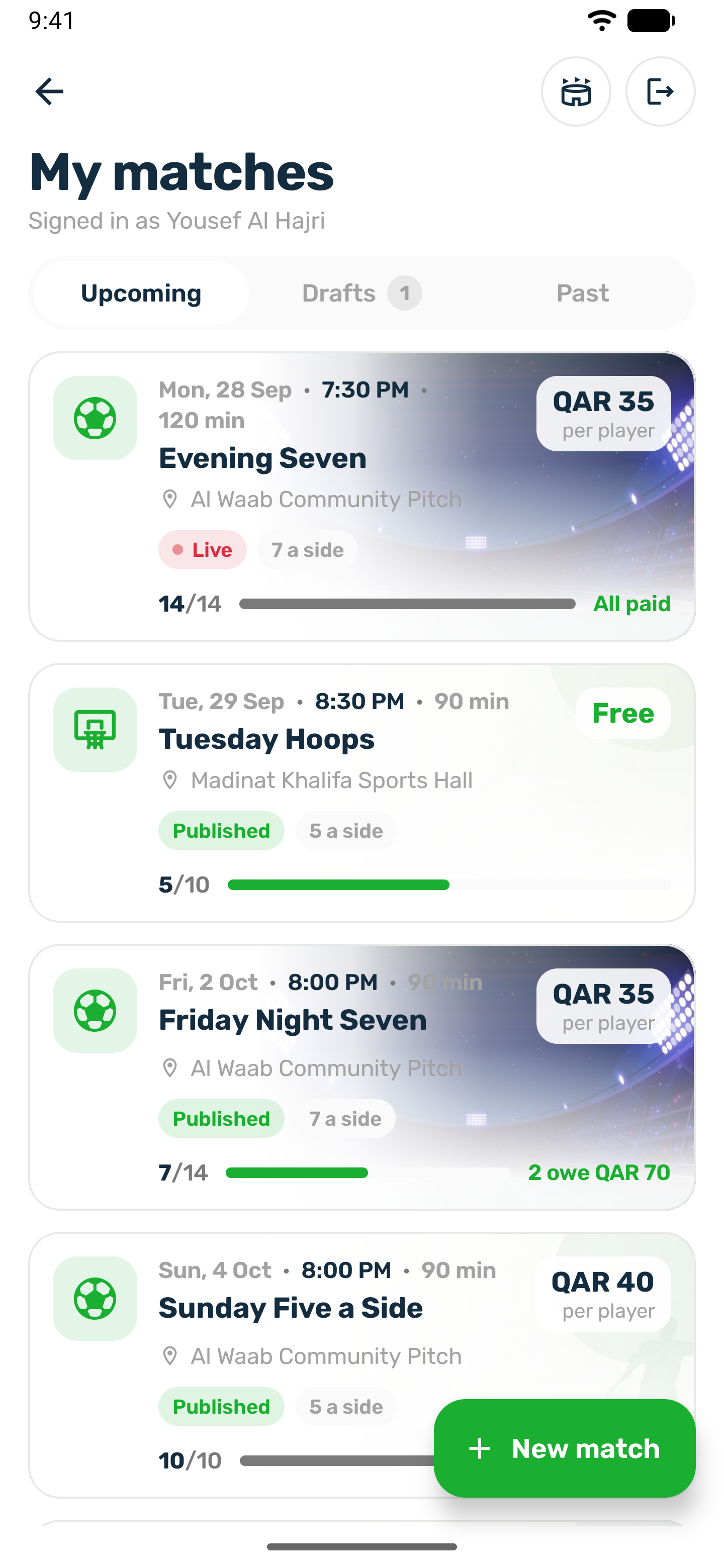
When someone still owes, a banner shows how many players owe and how much. In My matches, each card shows All paid, or who still owes.
Record cash#
-
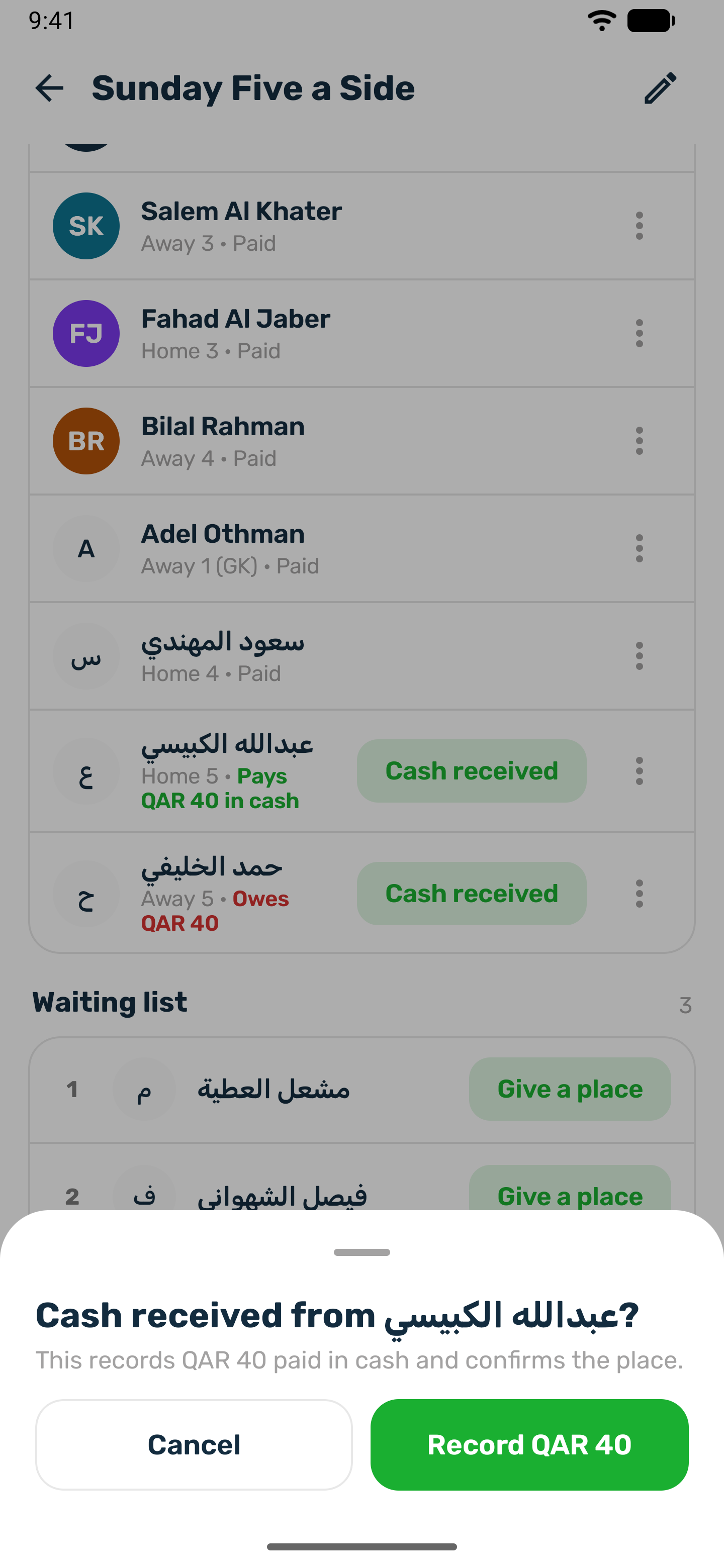
Tap Cash received on the player
The sheet asks Cash received from the player? -
Check the amount
It records what they still owe, paid in cash, and confirms their place. -
Record
The player's row turns Paid.
Give a place from the waiting list#
The waiting list moves up in arrival order whenever a place opens. To let someone in ahead of the queue, tap Give a place on them. It only works when there is a free place. If the match is full, raise Places in the editor first. The player is told You have a place. They already paid for the waiting list, so they have nothing more to pay.
Remove a player#
-
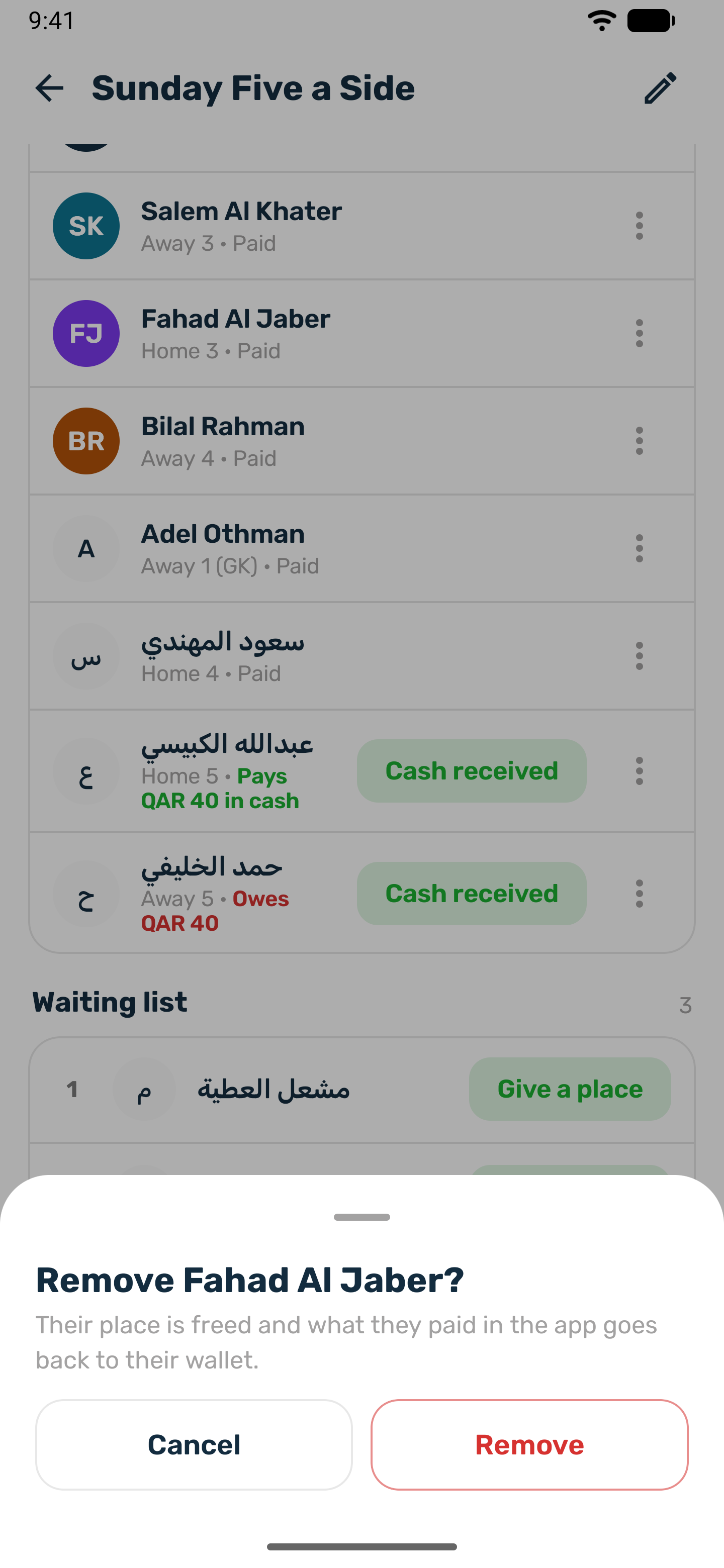
Tap Remove
The sheet reads Their place is freed and what they paid in the app goes back to their wallet. -
Confirm
The player is told they were removed. The next player on the waiting list moves up.
- The refund is always in full. The club's registration fee is never kept when you remove someone.
- A removed player cannot join the match again, and nobody can invite them back into it.
- Friends they invited keep their places. If the removed player was paying for them, the friends now pay for themselves.
- You can remove someone from the waiting list the same way.
Refund a waiting list player#
Players on the waiting list pay when they join it. To give one of them their money back before the match ends, tap Refund on them and confirm. What they paid in the app goes back to their wallet in full and they stay on the waiting list. If they later get a place, they pay for it then. A player who played during the match cannot be refunded this way.
When the match ends, waiting list players who never got to play are refunded automatically if you chose Refund them in the editor. With Keep the payment, nothing is refunded.