

Esta página aún no está traducida al español, así que estás leyendo la versión en inglés.
Join a match
Find open matches, open a private one with its code, take a spot, pay your share and leave if plans change.
Find a match#
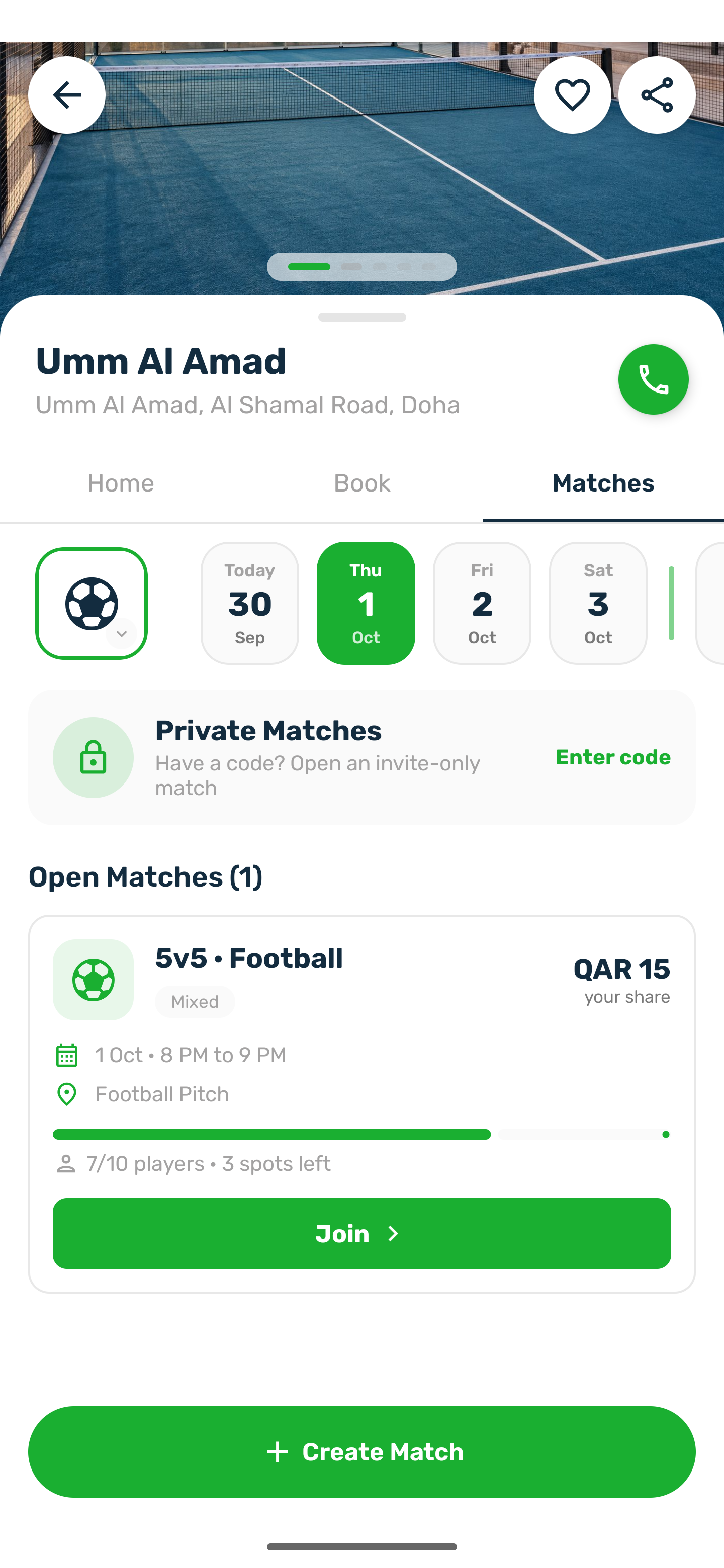
- On a venue: the Matches tab lists the open matches for the day you pick. Cancelled and private matches are not listed.
- Across the club: on the courts list, tap Join on the Play a Match card to see every open match.
- On the Book tab: a time marked Join with a count belongs to a public match with room. Tap it to open the match.
The match card#
Each card shows the format and sport, the level, the gender, your share or Free, the date and time, the venue and how many have joined with the spots left. The button reads Join, or Join · Free when the place costs nothing. A match that is full, being played or over says so instead.
Private matches#
A private match only opens with its 6 digit code, which the organizer shares with you. On the courts list, tap Join on Play a Match, then enter the code. You can also open a match link the organizer sent you and type the code when asked.
Take a spot#
-
Open the match
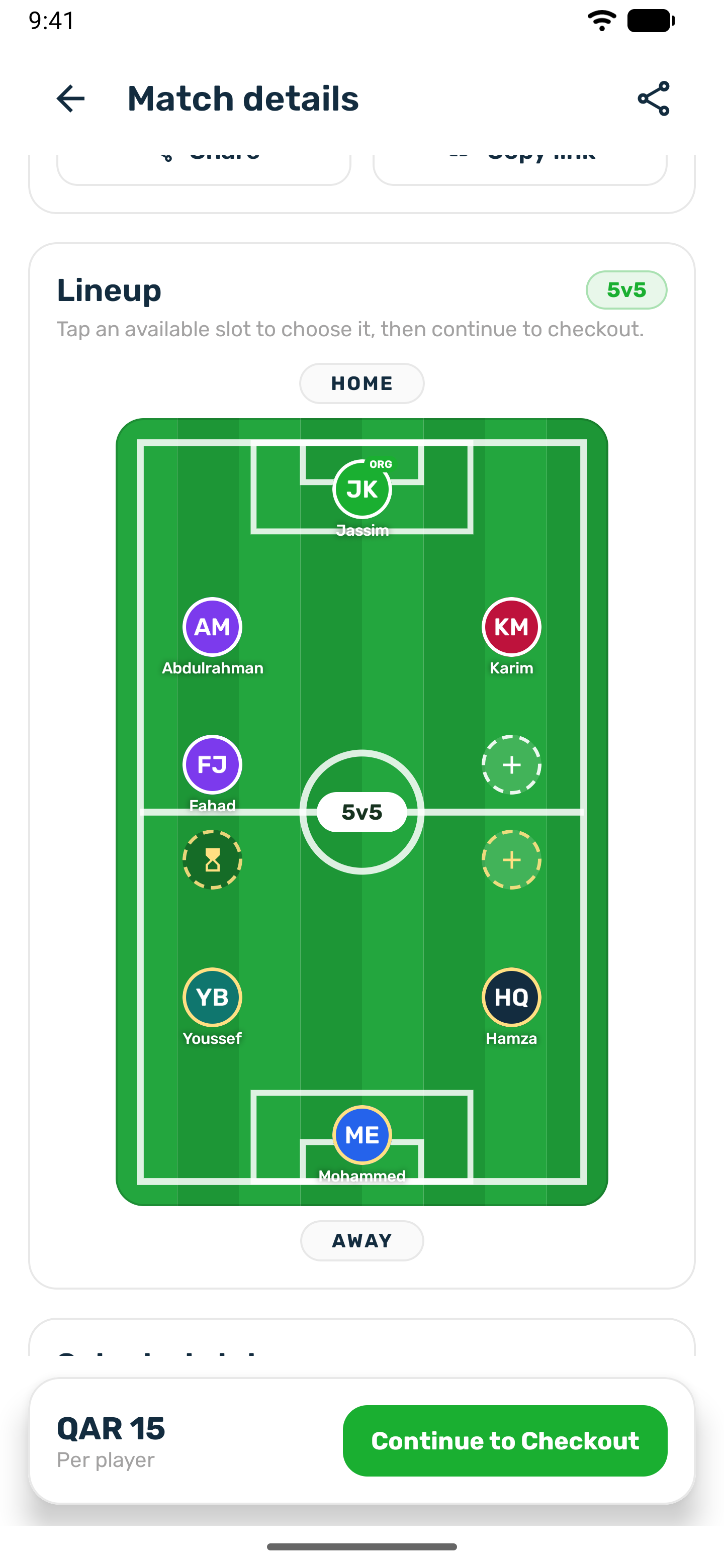
The match page shows the players on the pitch for each side, the free spots marked with a plus, and Invited on spots kept for someone. -
Pick a spot
Tap a free spot and choose Take this slot, or use the bar at the bottom: Continue to Checkout, or Join Match when the place is free. -
Join
The Join Match sheet shows the format, the players and the price per player. Tap Join & Pay. When the organizer pays for everyone it says the place is free and the button reads Join Match. -
Pay your share
For a paid spot the payment sheet opens. The same methods as a booking are offered, including your wallet.
You get a You're in notification and the organizer is told a player joined. If you close the payment sheet, your spot is kept and the match page shows Pay to confirm with a countdown, for example Time left to pay: 24:13. Pay within 30 minutes of joining, unless the club changed that, and before kickoff. Otherwise the place goes back, the page says Your place was released because it was not paid in time, and you get a notification. Nothing is charged.
Leave a match#
A player who joined can tap Leave match on the match page until kickoff. Leave this match? says what happens: you lose your place and the organizer is told, and when you paid, it names the amount that goes back to your wallet. Tap Confirm. The refund is in full, with a Refund received notification, and the organizer gets A player left.
Once the match has started the button is gone. If it starts while you have the page open, the app says This match has already started, so you can no longer leave it.
The organizer cannot leave their own match. They can cancel it instead, which refunds everyone. See Match day and results.